Dashboard
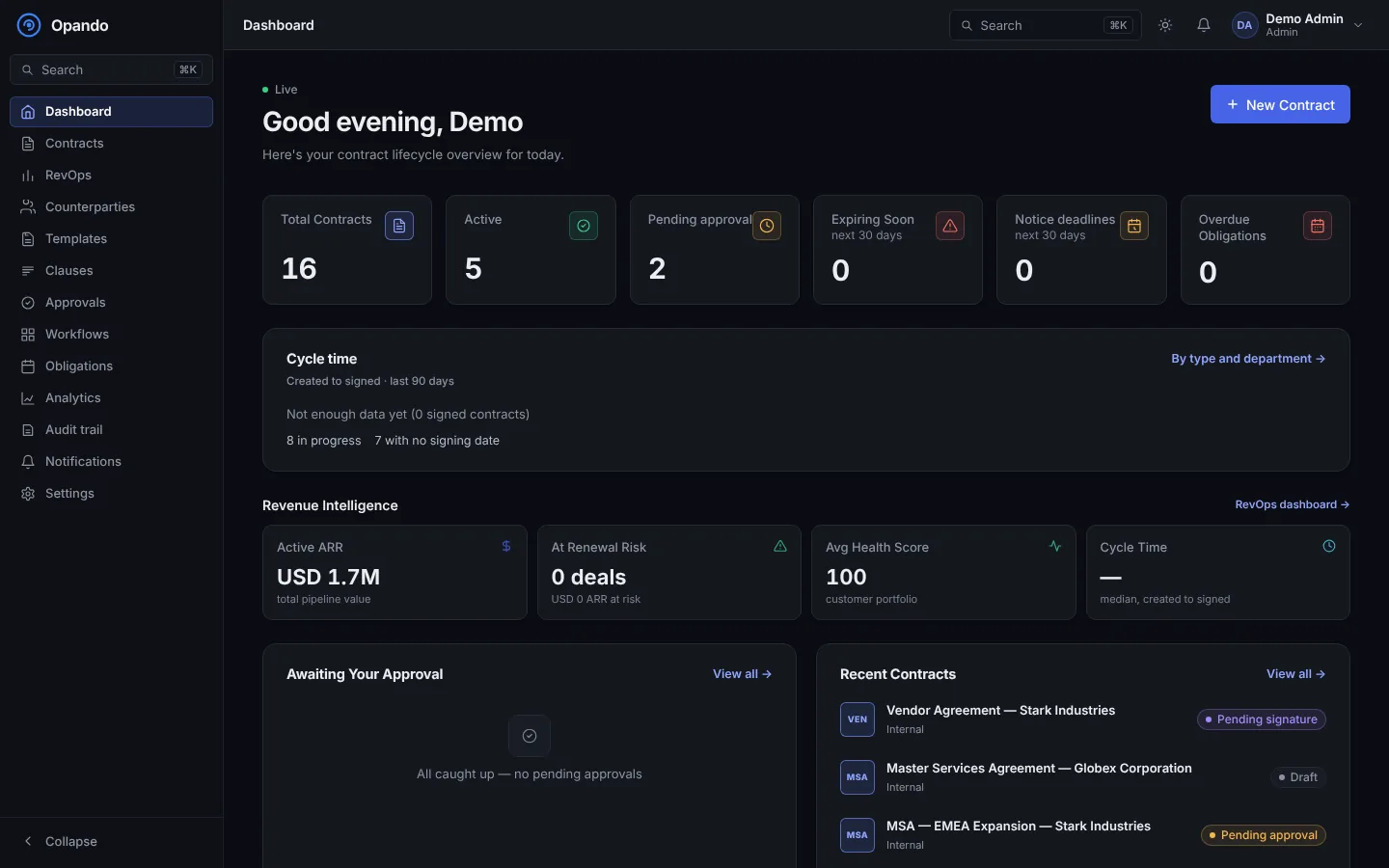
The dashboard is the first page you see after signing in. It shows what needs your attention today.
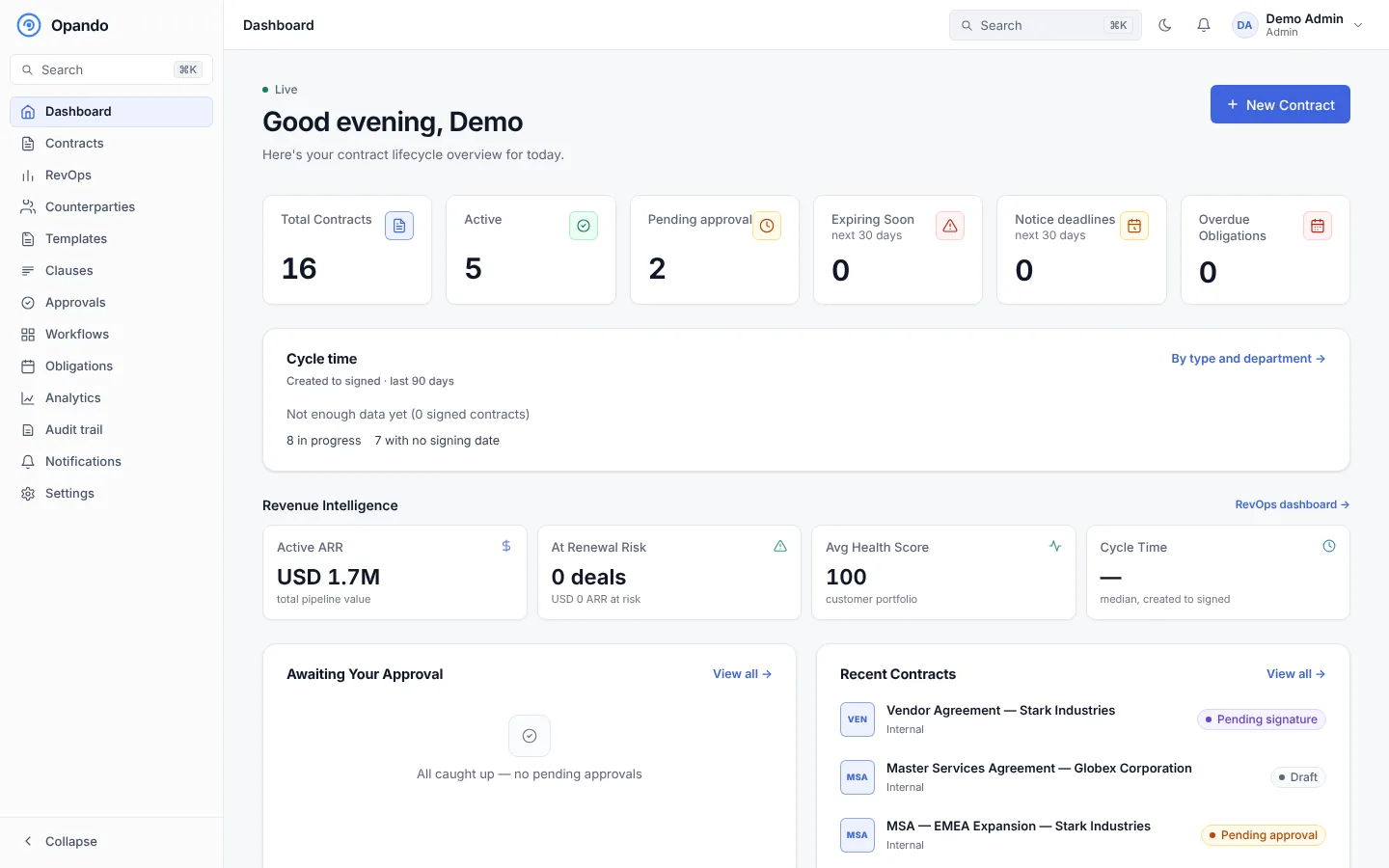
Summary cards
| Card | Shows |
|---|---|
| Total contracts | Every contract you can open. |
| Active | Contracts in force. |
| Pending approval | Contracts waiting for an approver. |
| Expiring soon | Contracts expiring in the next 30 days. |
| Notice deadlines | Contracts whose last day to give notice is in the next 30 days. |
| Overdue obligations | Obligations past their due date. |
Select a card to open the matching filtered list.
Sections
- Cycle time: the median time from creation to signature over the last 90 days, with By type and department → for the detail on the Analytics page.
- Revenue intelligence (with RevOps): active ARR, deals at renewal risk, average customer health and cycle time, with a link to the RevOps dashboard.
- Awaiting your approval: contracts where you are the current approver, with Review →. "All caught up" when there are none.
- Recent contracts: the contracts most recently changed.
- Obligation calendar and Analytics overview for the last 30 days (negotiated contracts, average rounds, days to close).
Select New contract at the top right to create a contract.
Dashboard views by role
What the dashboard emphasises depends on your role's dashboard view, set by an admin in Roles & permissions:
- Operational: contract stats and RevOps signals, for people who work on contracts every day.
- Executive: portfolio KPIs, pipeline and renewal forecast.
- Combined: both.