AI assistant
The AI tab on every contract gives you an assistant that has read the whole contract. Each AI action uses AI credits from your plan; the button shows the cost, for example Review contract · 1 AI credit.
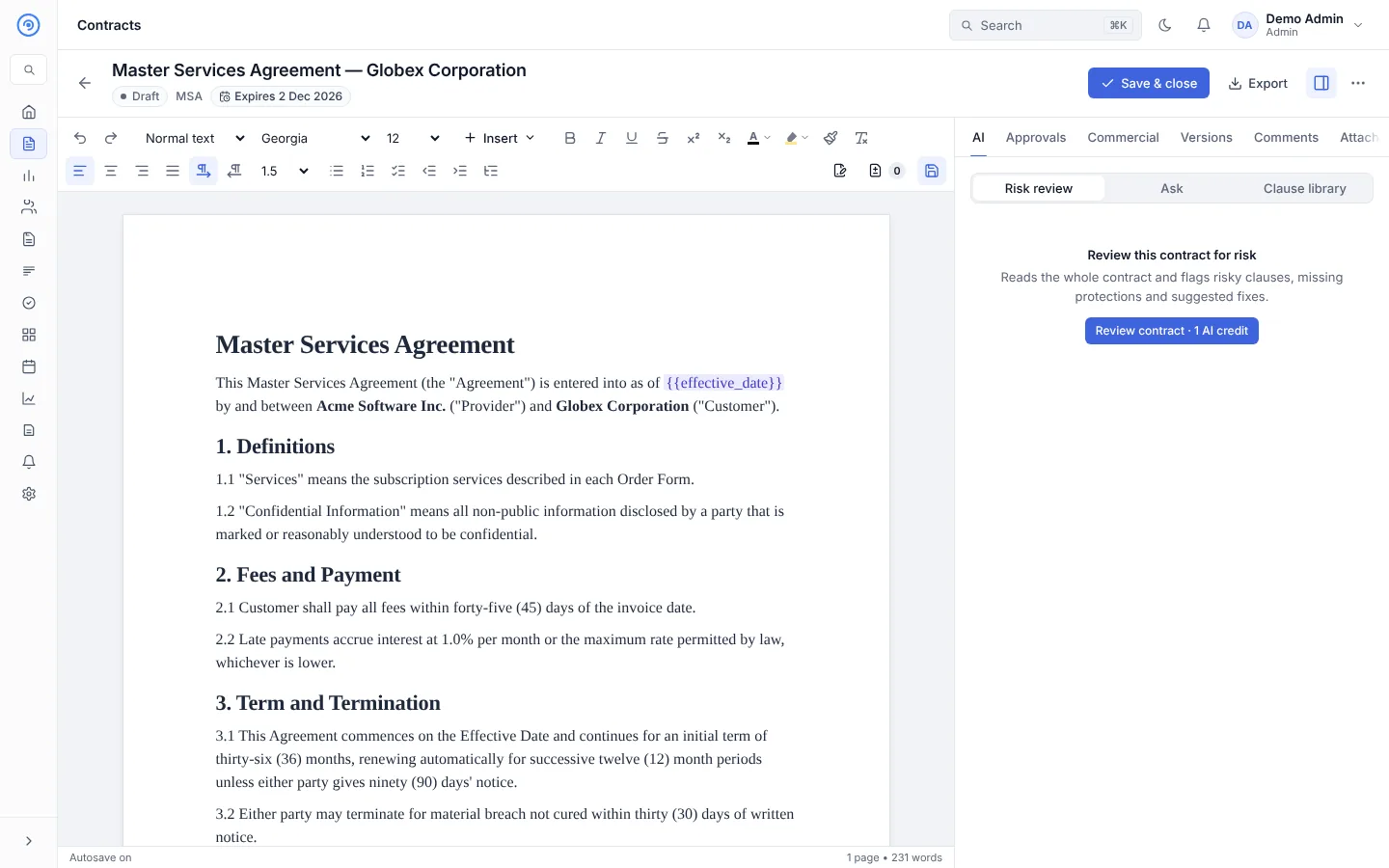
Risk review
Select Review contract under Risk review. The assistant reads the whole contract and returns:
- an overall risk rating,
- each risky clause with the issue and a suggested fix,
- missing protections a contract of this type usually has.
While you can edit the contract, select Insert suggested clause to add a suggested fix to the document.
Ask
Ask questions in plain language, for example "What are our payment obligations?" or "How can either side terminate?". Answers come from the contract text.
Clause library
Suggests approved clauses from your clause library that fit the contract.
AI elsewhere in Opando
- Draft with AI when you create a contract.
- Counter-proposal suggestions and round summaries in Negotiation, compared against your playbook.
- Obligation candidates found in signed contracts. See After signing.
- Ask RevOps for questions about your portfolio. See RevOps.
- An AI assistant such as Claude can work in your workspace through the AI connector (MCP).
AI never changes a locked contract
On a contract that is in approval, out for signing or signed, the AI only reads and answers. It can't change the text.
AI credits
Admins see credits used and remaining in Settings → Plan & billing and usage per contract in Settings → AI usage. They can also set a monthly AI cap for the workspace.