Plan, billing and AI usage
Plan & billing
Settings → Plan & billing shows your plan, usage and seats, and is where admins upgrade.
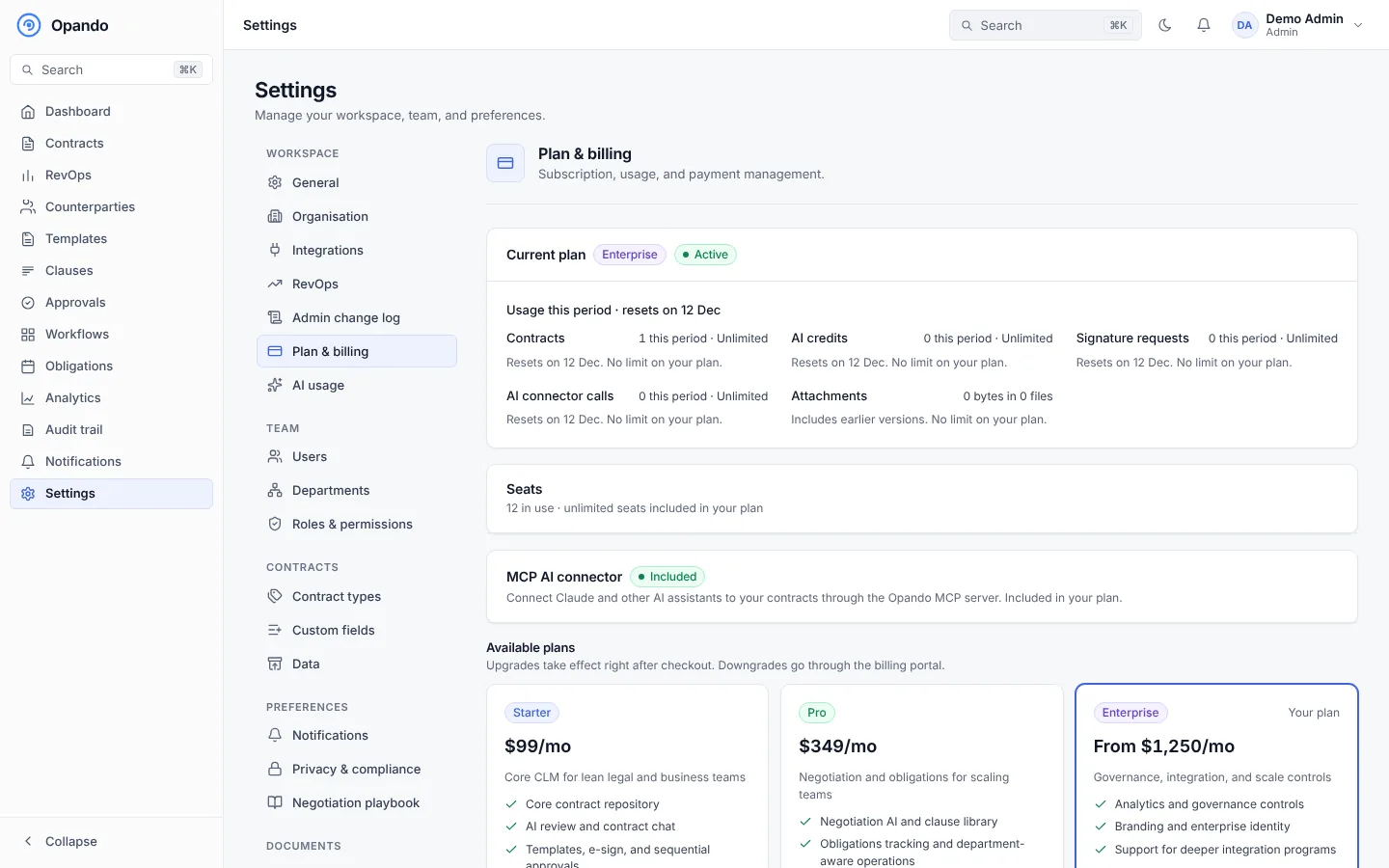
- Current plan: the plan, its status (for example Trial ends 26 Nov or Renews 1 Dec), and usage in the current period: contracts, AI credits, signature requests and attachment storage. Bars turn amber at 80% and red at the limit.
- Seats: seats in use and included. On Starter and Pro, add or remove extra seats and select Update seats; the change is prorated onto your monthly invoice.
- AI credits: credits used and remaining. Buy AI top-ups, and set an optional Monthly AI cap to stop AI for the whole workspace below your plan's allowance.
- MCP AI connector: turn the add-on on or off (Starter).
- Available plans and a feature comparison. Upgrade buttons open a secure checkout. Subscribers can open the billing portal for invoices and payment methods.
- Your account manager, for Enterprise and custom plans.
Only admins can change the plan. Others see "Contact your organisation administrator to change the plan." See Plans and limits.
AI usage
Settings → AI usage shows how AI credits are being used.
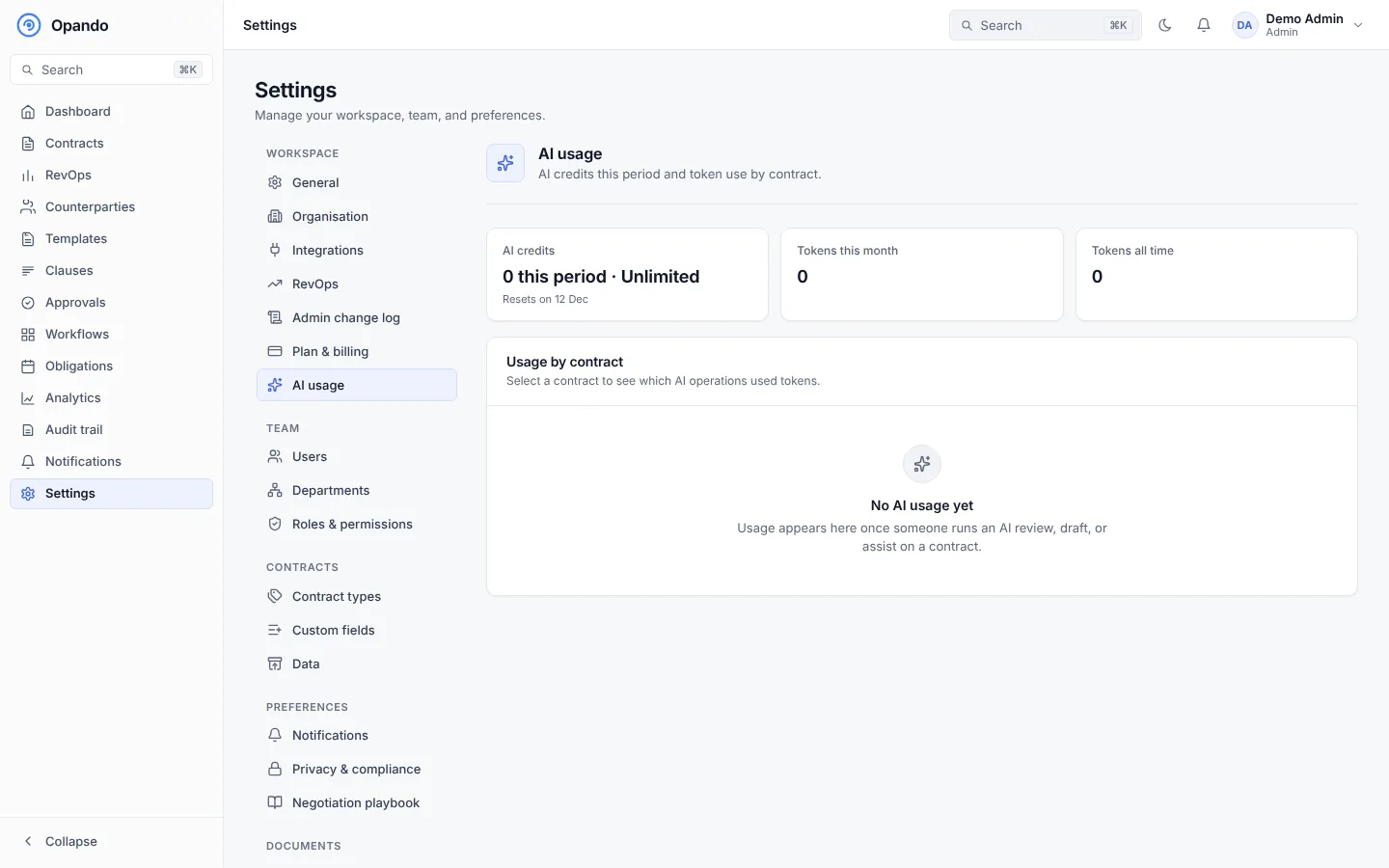
- AI credits used this period, and tokens this month and all time.
- AI usage by operation: risk reviews, questions, drafts, negotiation suggestions and so on.
- Usage by contract: select a contract to see which AI operations it used.
Plan
The AI usage report is part of the Enterprise plan.