General and Organisation
General
Settings → General holds workspace identity, security and regional settings.
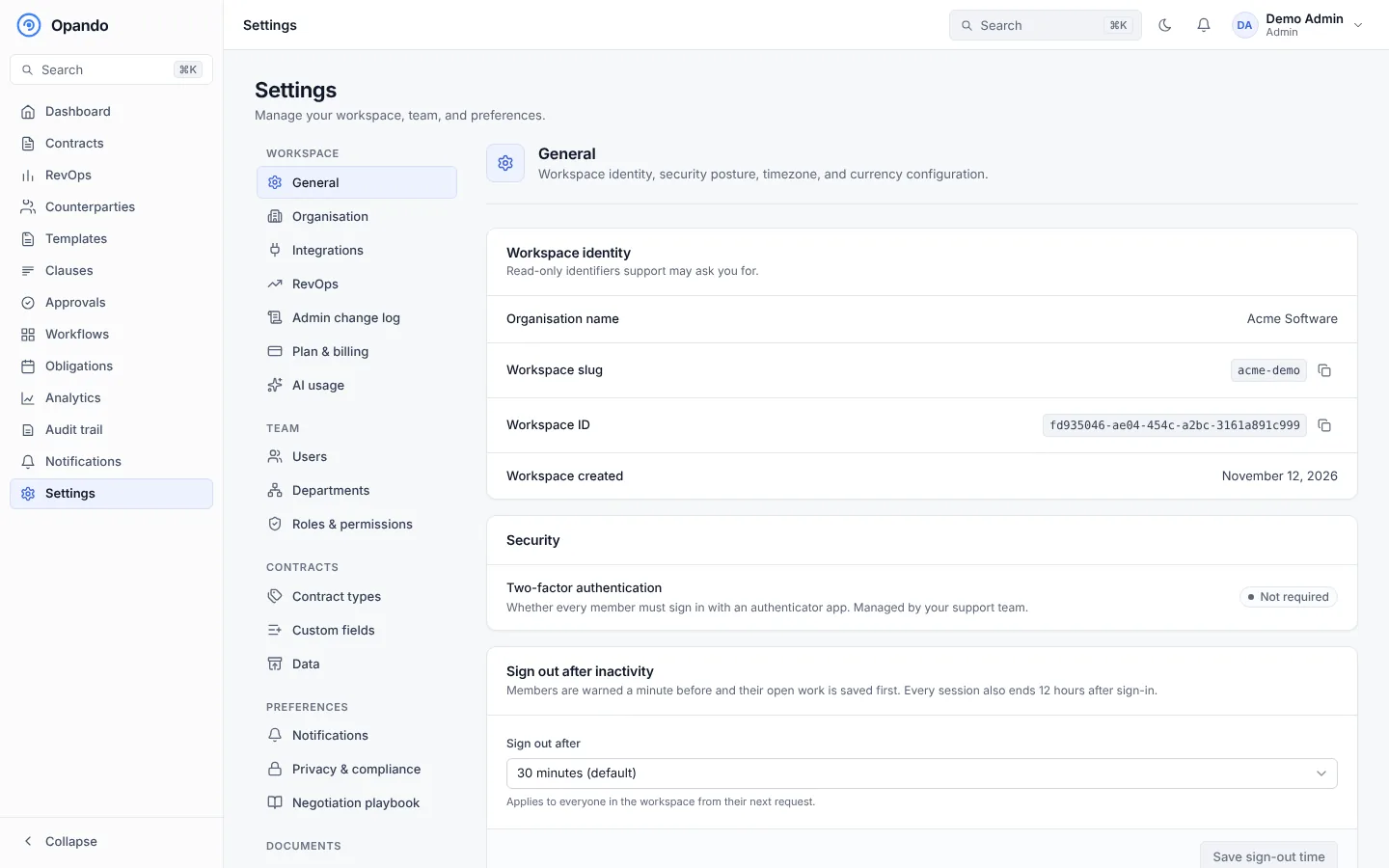
- Workspace identity: the organisation name, workspace slug, workspace ID and creation date. Support may ask you for these.
- Two-factor authentication: Required for everyone or Not required. When required, everyone sets up an authenticator app at their next sign-in. See Sign in and set up 2FA.
- Sign out after inactivity: how long someone can be inactive before Opando signs them out (30 minutes by default). Select Save sign-out time.
- Workspace timezone: used for reminders, obligation alerts and every time-based notification.
- Workspace currency: used for new contracts and for totals on dashboards. Existing contracts keep their own currency and amounts; totals convert them at your workspace exchange rates. A currency with no rate is reported, never counted one-to-one.
Only admins can change the timezone and currency.
Organisation
Settings → Organisation holds your company's legal name, address, phone and website. The legal name is shown on contracts and outbound emails.
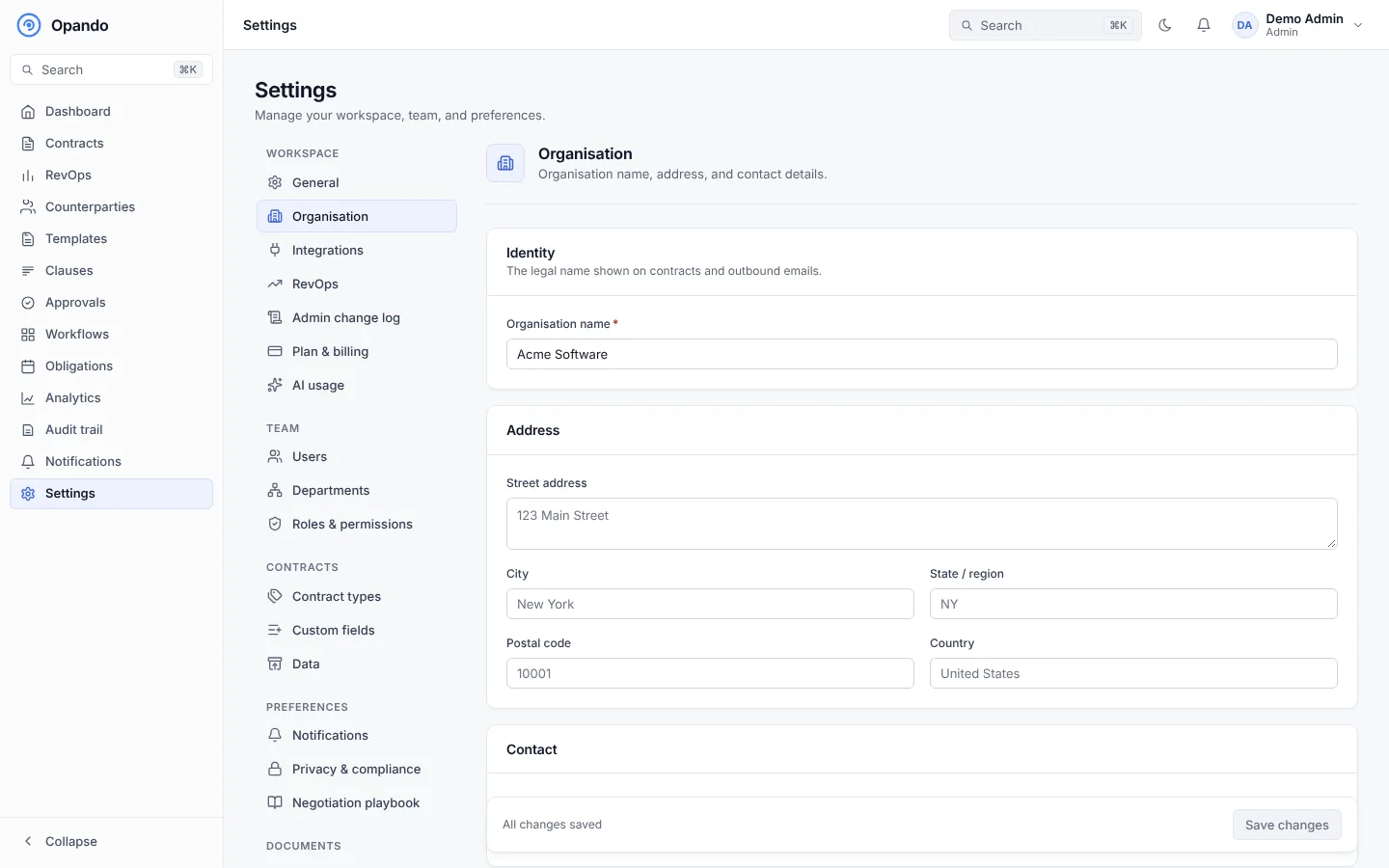
Organisation details are managed by admins; other people see them read-only.