RevOps
RevOps turns your contracts into revenue intelligence: how much revenue is under contract, what is stuck in approval, which renewals are at risk, and how healthy each customer is.
Plan and permission
RevOps is part of the Enterprise plan. You need a RevOps permission: own (your contracts), team, all, and financial to see and edit money fields.
RevOps works from a daily snapshot of your contracts. The first time it runs it says Dashboard is being prepared; select Refresh after a few seconds.
The tabs across the top are Overview, Pipeline, Renewals, Commercial, Customers, Portfolio, Negotiation, Rev Rec, Ask and Settings.
Overview
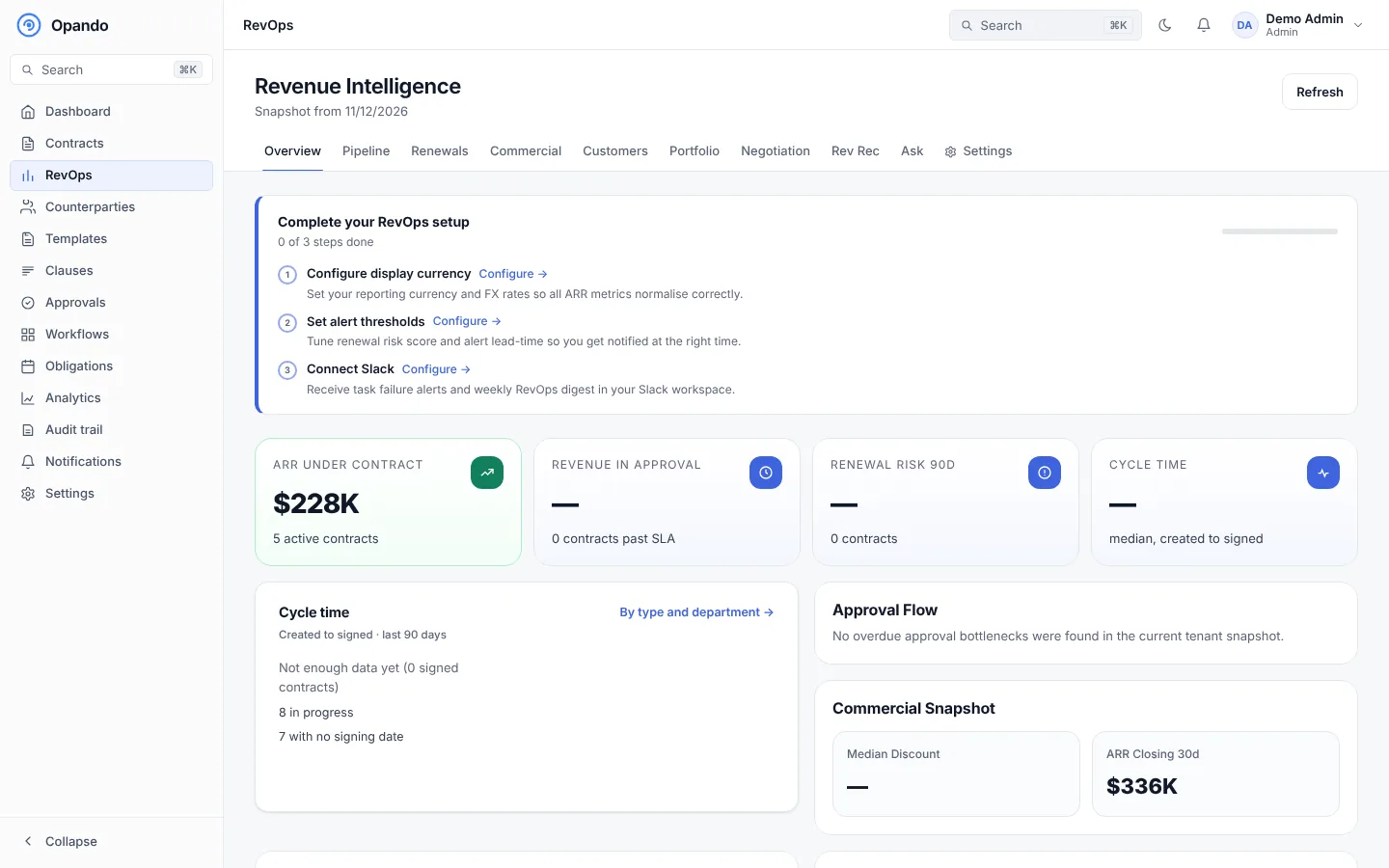
- Complete your RevOps setup: a checklist to set your display currency and exchange rates, set alert thresholds and connect Slack.
- ARR under contract, Revenue in approval (and how many contracts are past their approval SLA), Renewal risk in 90 days and Cycle time.
- Approval flow: the approver blocking the most revenue (ARR blocked, average days overdue).
- Commercial snapshot: median discount and ARR closing in the next 30 days.
- Trend insights, the expiry heatmap (ARR by upcoming expiry month) and revenue signals.
Pipeline
A live board of contracts by stage (Drafting, Negotiation, Approval, Signing) with ARR per stage, total ARR and total contract value (TCV). Contracts at risk of missing their approval SLA are flagged.
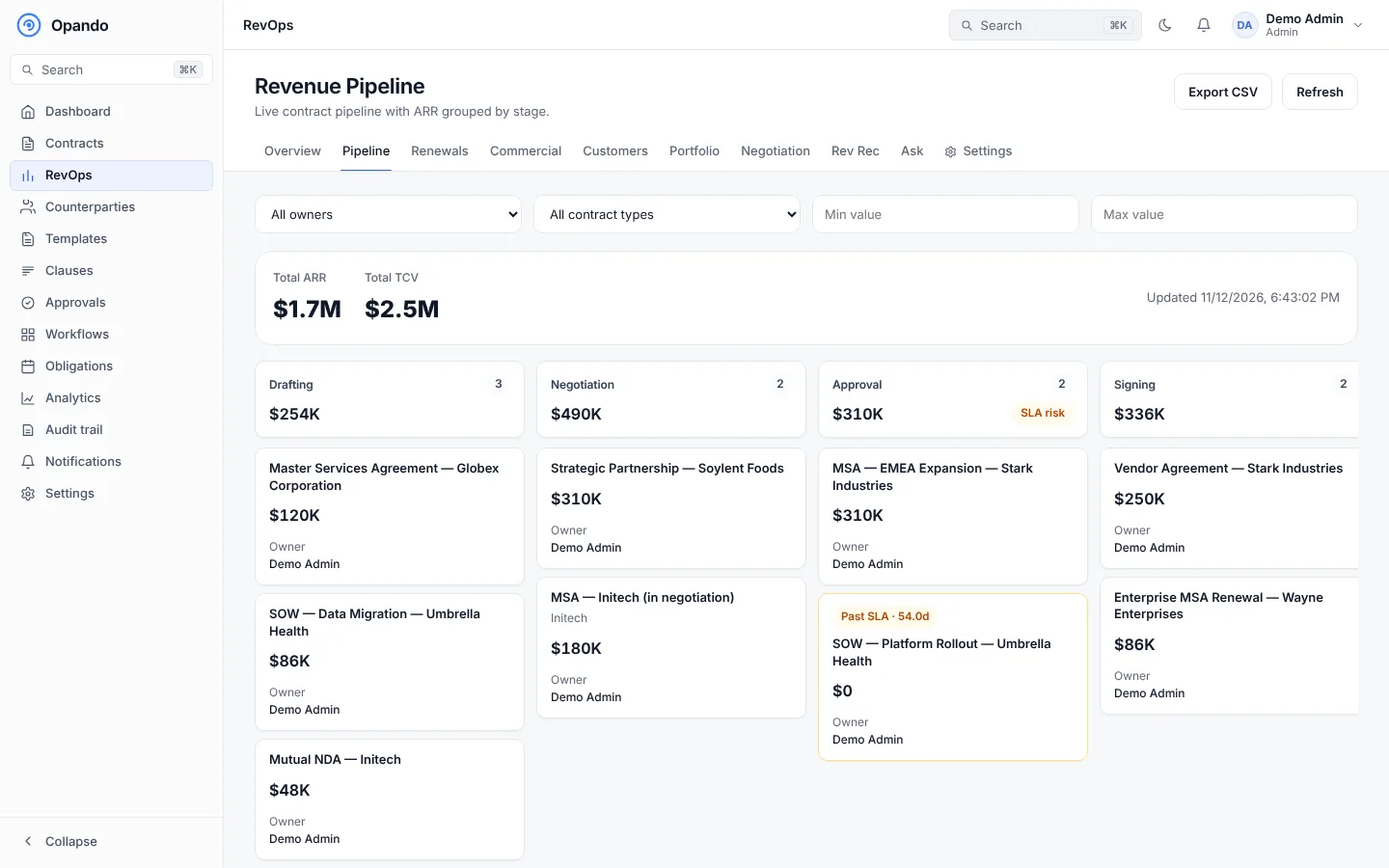
Filter by owner, contract type and value range. Export CSV downloads the pipeline.
Renewals
Contracts nearing expiry, ranked by renewal risk score.
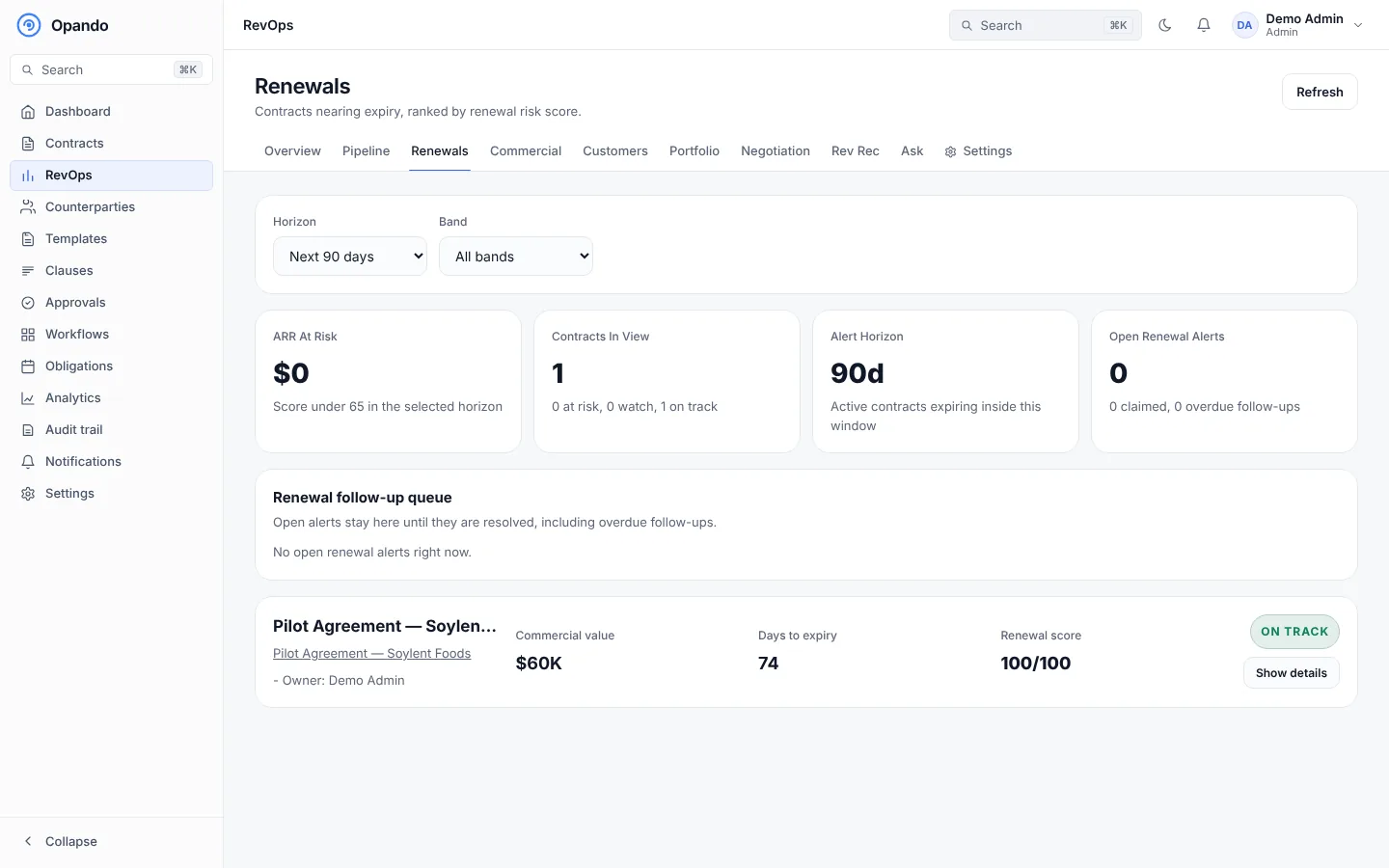
- Choose the horizon (next 90, 180 or 365 days) and the band (at risk, on track).
- Cards show ARR at risk (scores under 65), contracts in view and the alert horizon.
- Each contract shows its commercial value, days to expiry and renewal score (0–100). Expand it to see what drives the score: obligation completion, owner engagement, payment behaviour and amendment frequency.
- Open renewal alerts stay in the follow-up queue until resolved. Claim an alert, set a follow-up date and status (in progress, resolved, false positive) and keep it unassigned or assign it.
Commercial
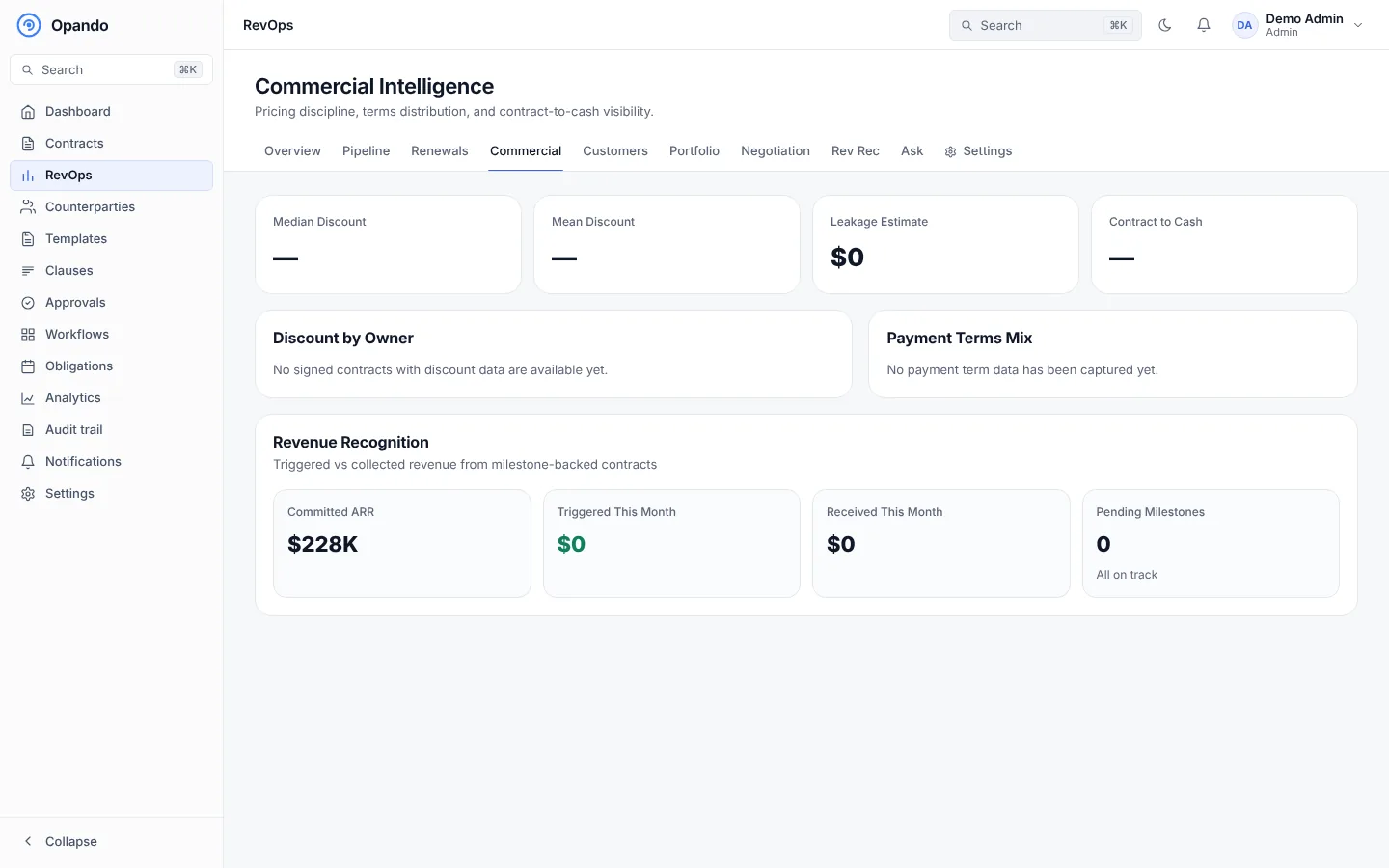
Pricing discipline and contract-to-cash: mean discount, a leakage estimate, contract to cash time, discount by owner, the payment terms mix, and committed versus triggered revenue.
Customers
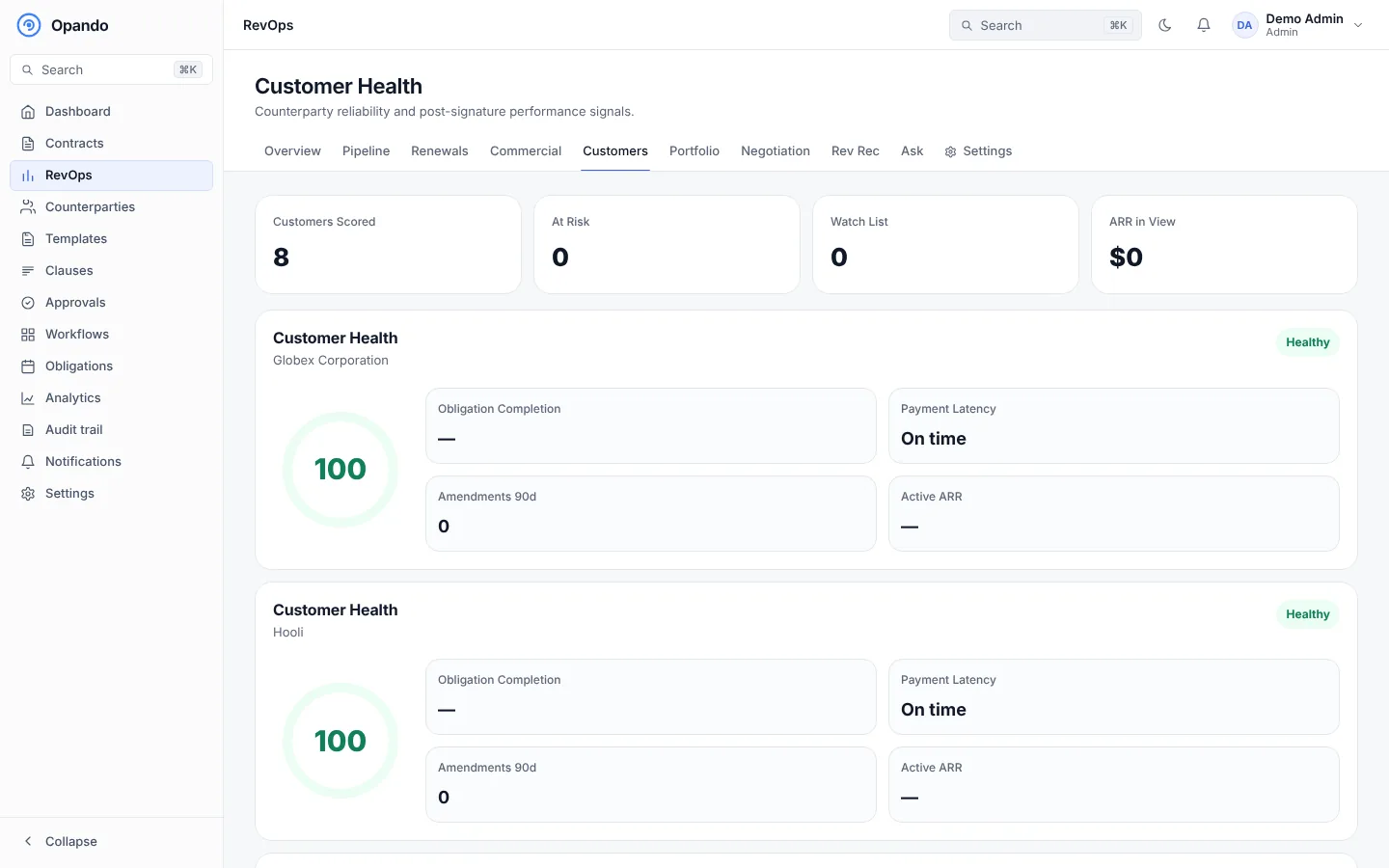
Customer health per counterparty: score, obligation completion, payment latency, amendments in 90 days and active ARR, with a watch list of declining customers.
Portfolio
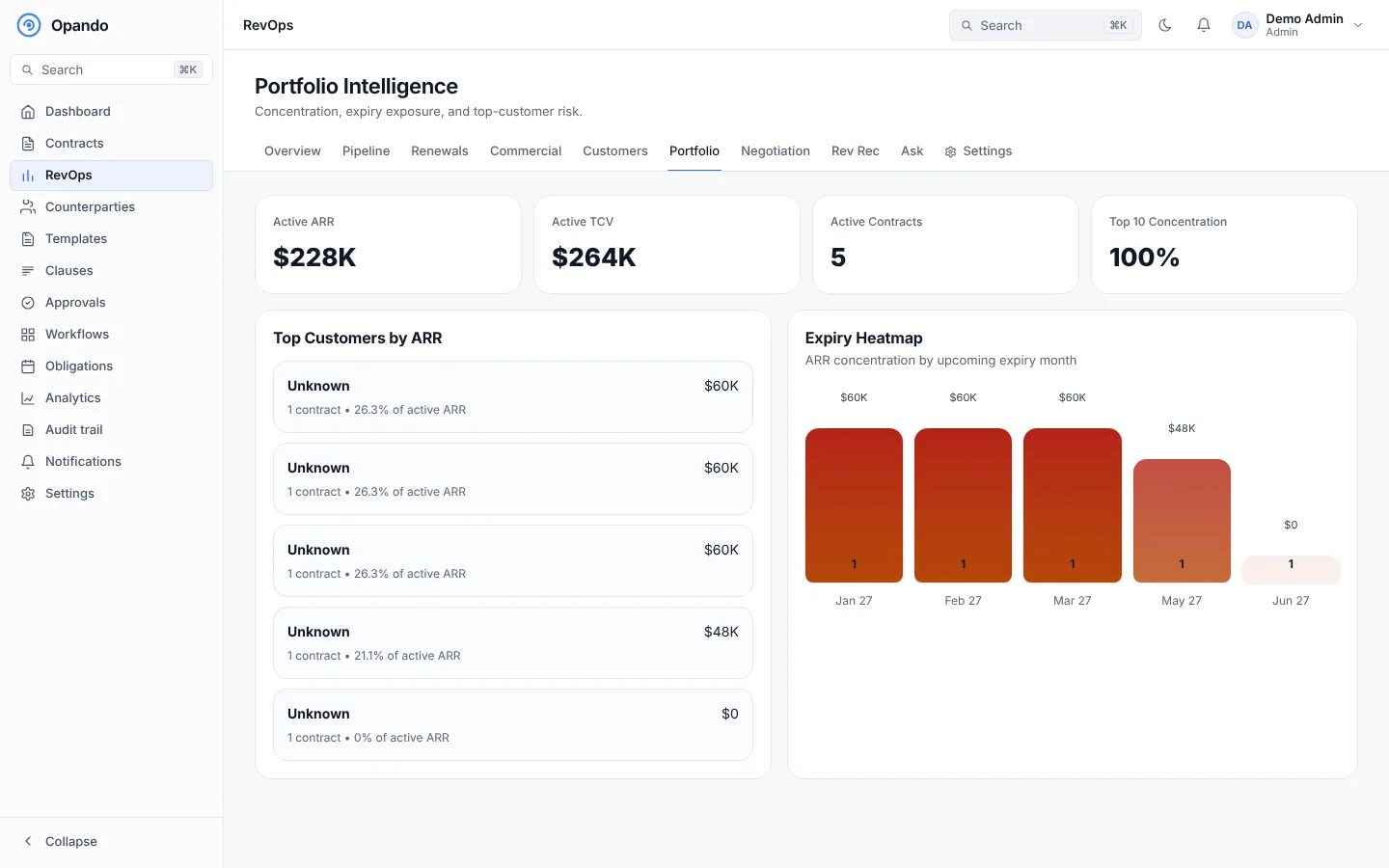
Concentration and expiry exposure: active ARR, active TCV, active contracts, top-10 concentration, top customers by ARR and the expiry heatmap.
Negotiation
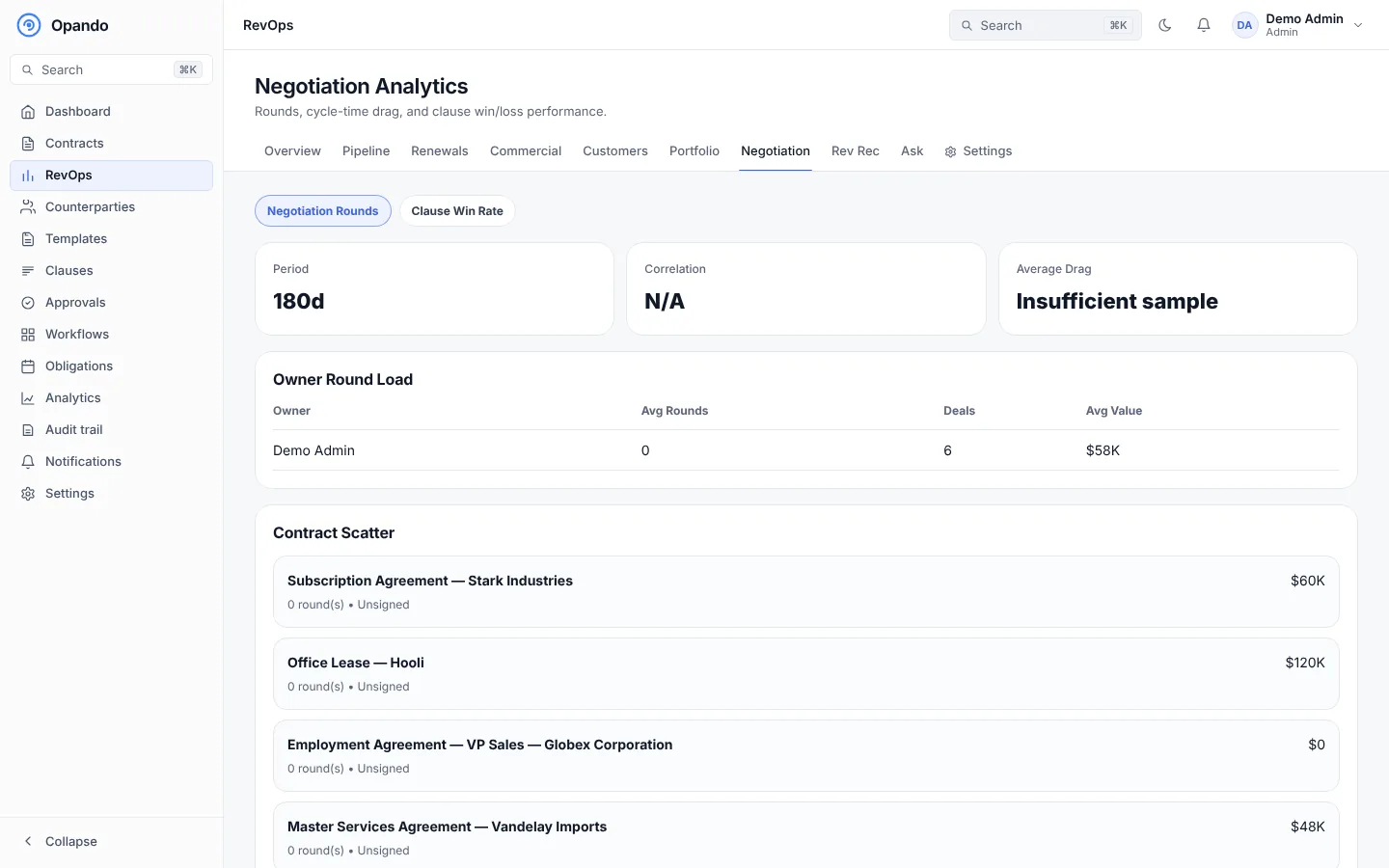
Rounds, cycle-time drag and clause outcomes: average drag, owner round load, a contract scatter of rounds against value, and win rate by clause type.
Rev Rec
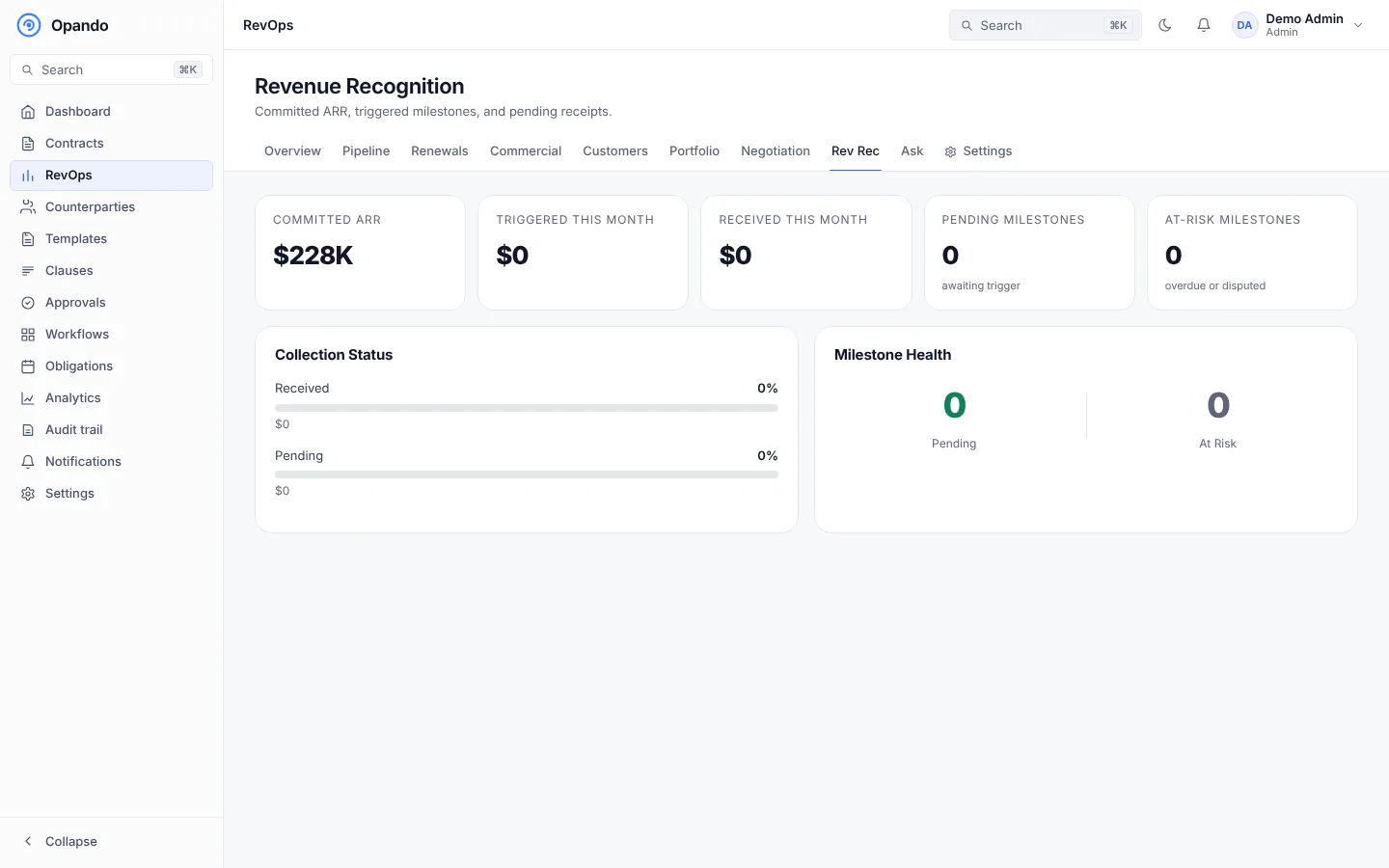
Revenue recognition from milestone-backed contracts: committed ARR, revenue triggered and received this month, pending and at-risk milestones, collection status and milestone health.
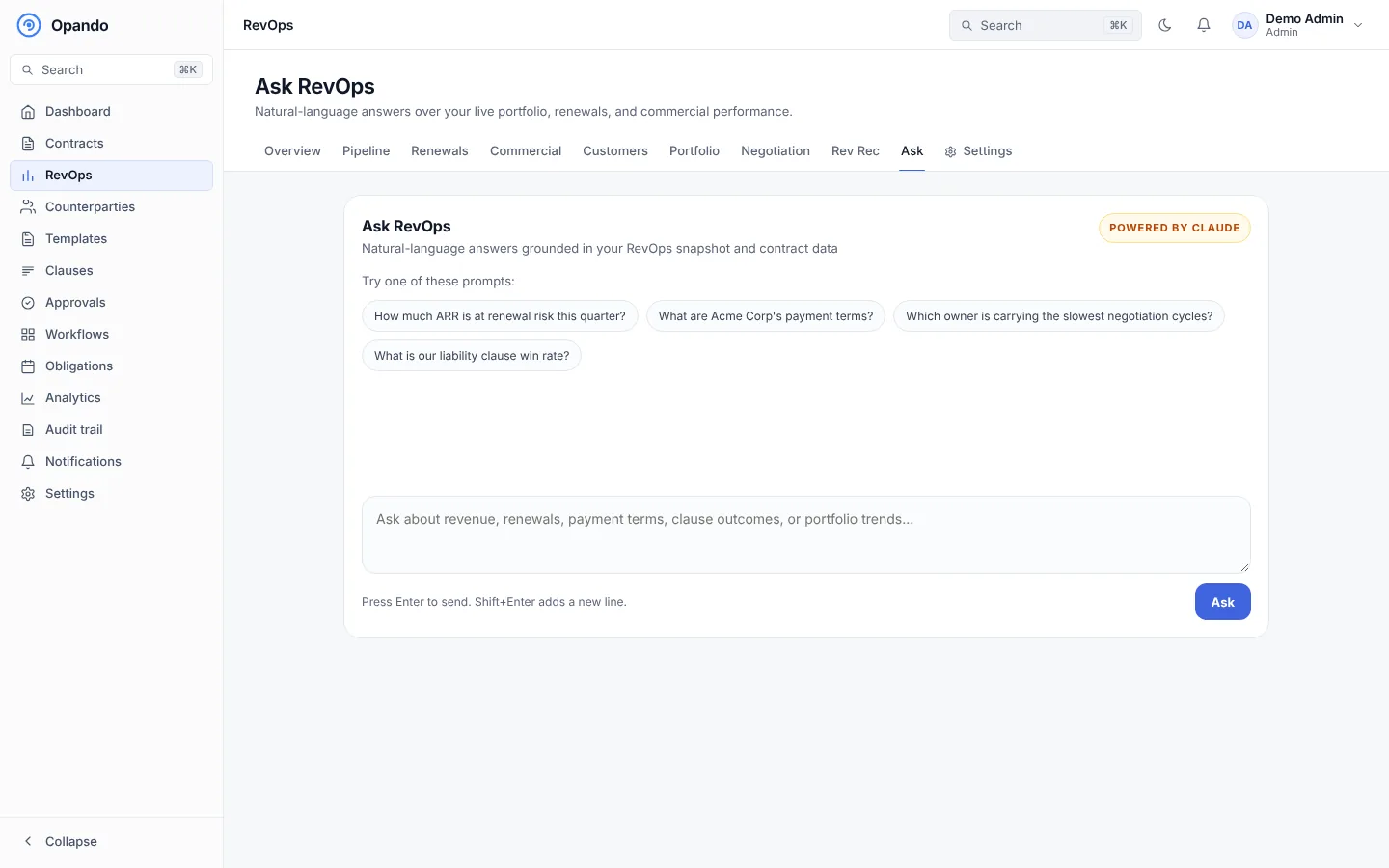
Ask RevOps
Ask questions in plain language, answered from your RevOps snapshot and contract data, for example "Which customers renew next quarter?" or "What is our average discount by owner?". Try one of the suggested prompts to start. Each question uses AI credits.
Settings
The Settings tab opens Settings → RevOps: thresholds, scoring weights, discount ceiling, currency, exchange rates, Slack and webhook alerts.
RevOps on a contract
The Commercial tab of each contract shows its revenue health and discount alerts.