Clause library
The clause library holds your pre-approved contract language. Your team inserts it into contracts and templates instead of writing it from scratch, so wording stays consistent.
Plan
The clause library is part of the Pro and Enterprise plans.
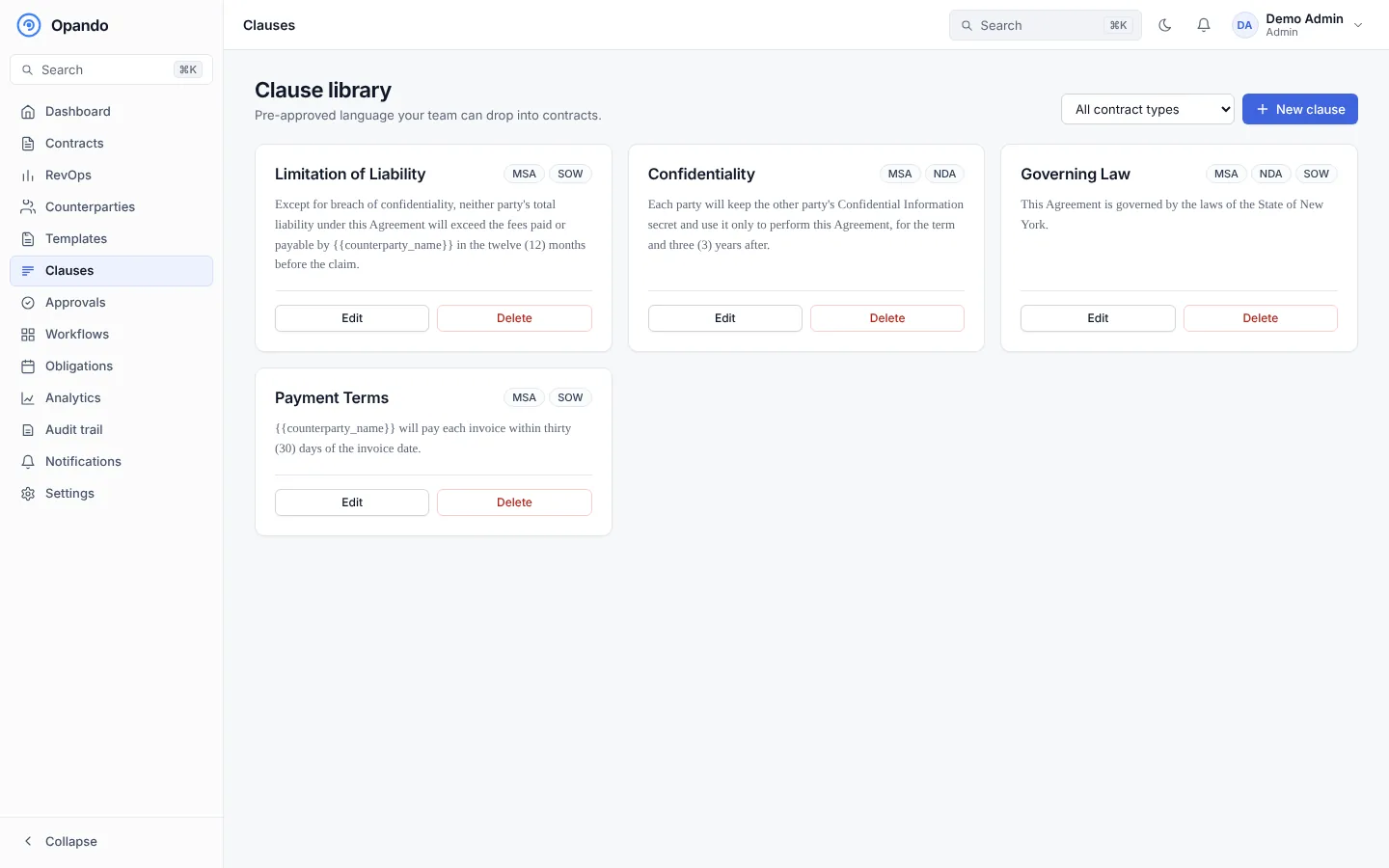
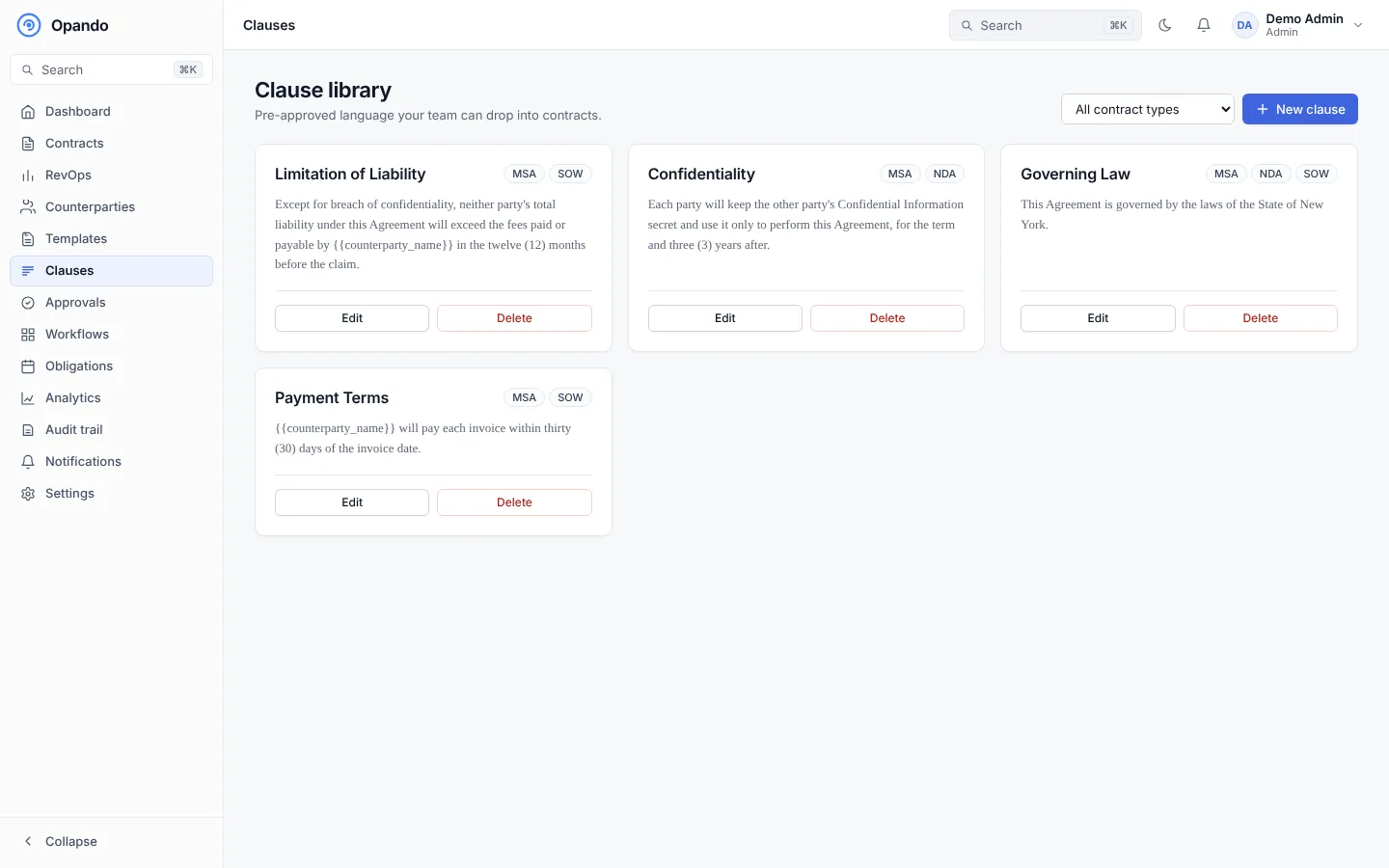
Each card shows the clause name, its contract types and a preview of its standard wording, with Edit and Delete. Filter by contract type at the top right.
Add a clause
- Select New clause.
- Enter the Clause name, for example Limitation of Liability, and choose the contract types it applies to.
- Write the standard wording.
- Insert dynamic fields (Insert Field ▾), such as the counterparty name, contract value or effective date. They fill in automatically when the clause is inserted into a contract.
- Add more versions for fallback positions, for example Fallback: 2x fees. Mark one version Standard with Set as Standard.
- Save.
Use a clause
In a contract you are editing, open the Clauses tab, find the clause and choose Insert this version. See Editing.
Clauses and negotiation
Your negotiation playbook can hold your standard position and acceptable fallbacks for each clause category, which Opando uses when the other party proposes changes.