Notification settings
Settings → Notifications controls which emails Opando sends across the workspace. These switches apply to everyone in the workspace.
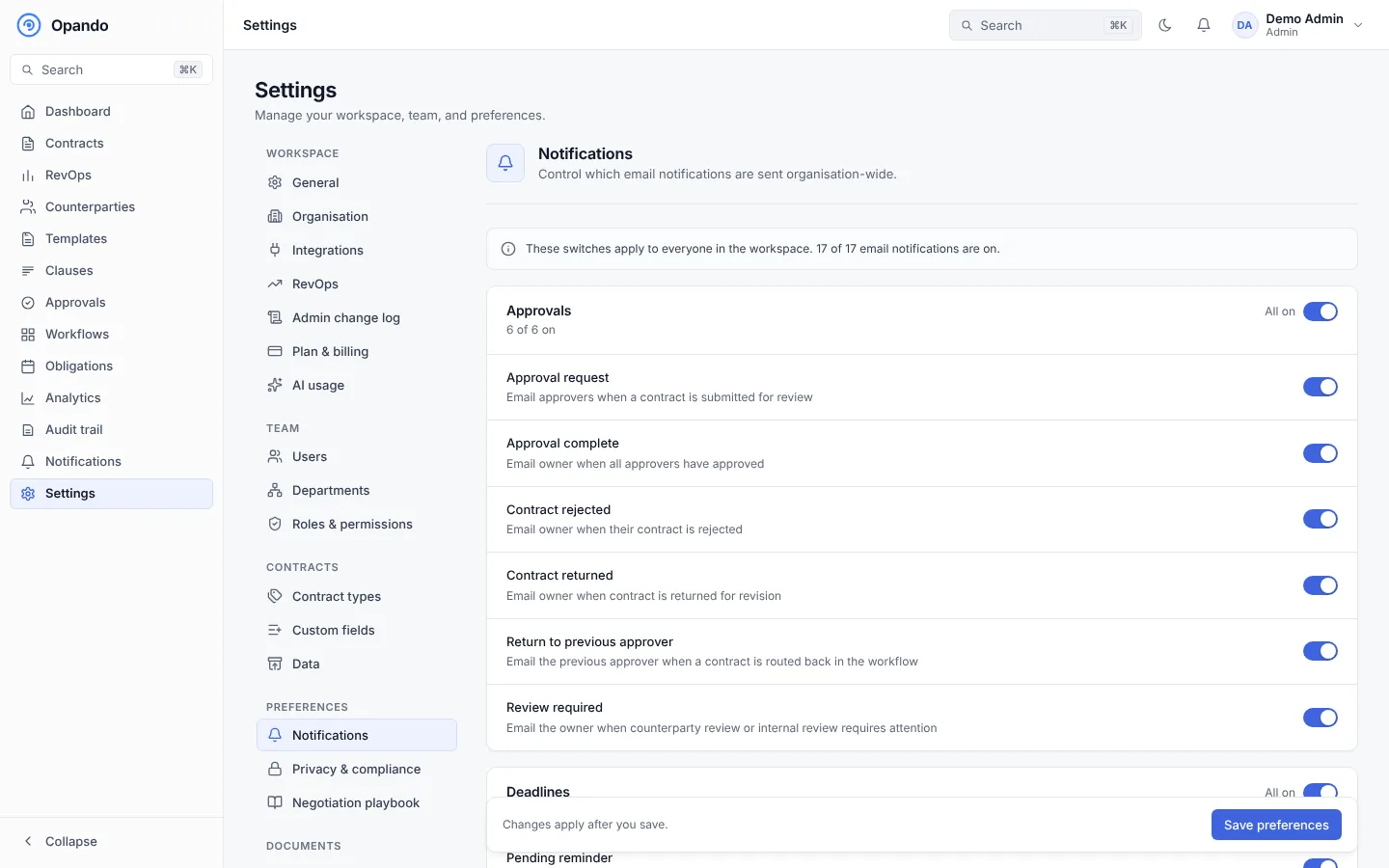
| Group | Emails |
|---|---|
| Approvals | Approval request · Approval complete · Contract rejected · Contract returned · Return to previous approver · Review required |
| Deadlines | Pending reminder (near SLA) · Notice deadline · Contract expiry · Obligation due · SLA breach (to admins) |
| Signatures | Contract fully signed · Signing request (always on: it carries the signer's link) |
| Contract control | Contract cancelled · Signature request voided · Ownership transferred · Work handed over |
| Files | Files added (uploads within 5 minutes are grouped into one email; blocked-file alerts always go to the uploader and admins) |
Each email also creates an in-app notification.
Alert schedule
The Alert schedule sets the workspace default for notice-deadline alerts: by default 90, 60 and 30 days before the deadline, up to five alerts. Each contract can override it. See After signing.
Tell counterparties before an auto-renewal
When on, Opando emails the other party 30 days before each auto-renewing contract's notice deadline. Before you switch it on, Opando tells you how many counterparties would be emailed on the next daily run.
Select Save preferences.
To change the wording of emails, use Email templates.