Header, footer and branding
Header & footer
Settings → Header & footer adds your company name, address or legal text to every page of contract documents and downloads. A contract uses it when Include header & footer is on.
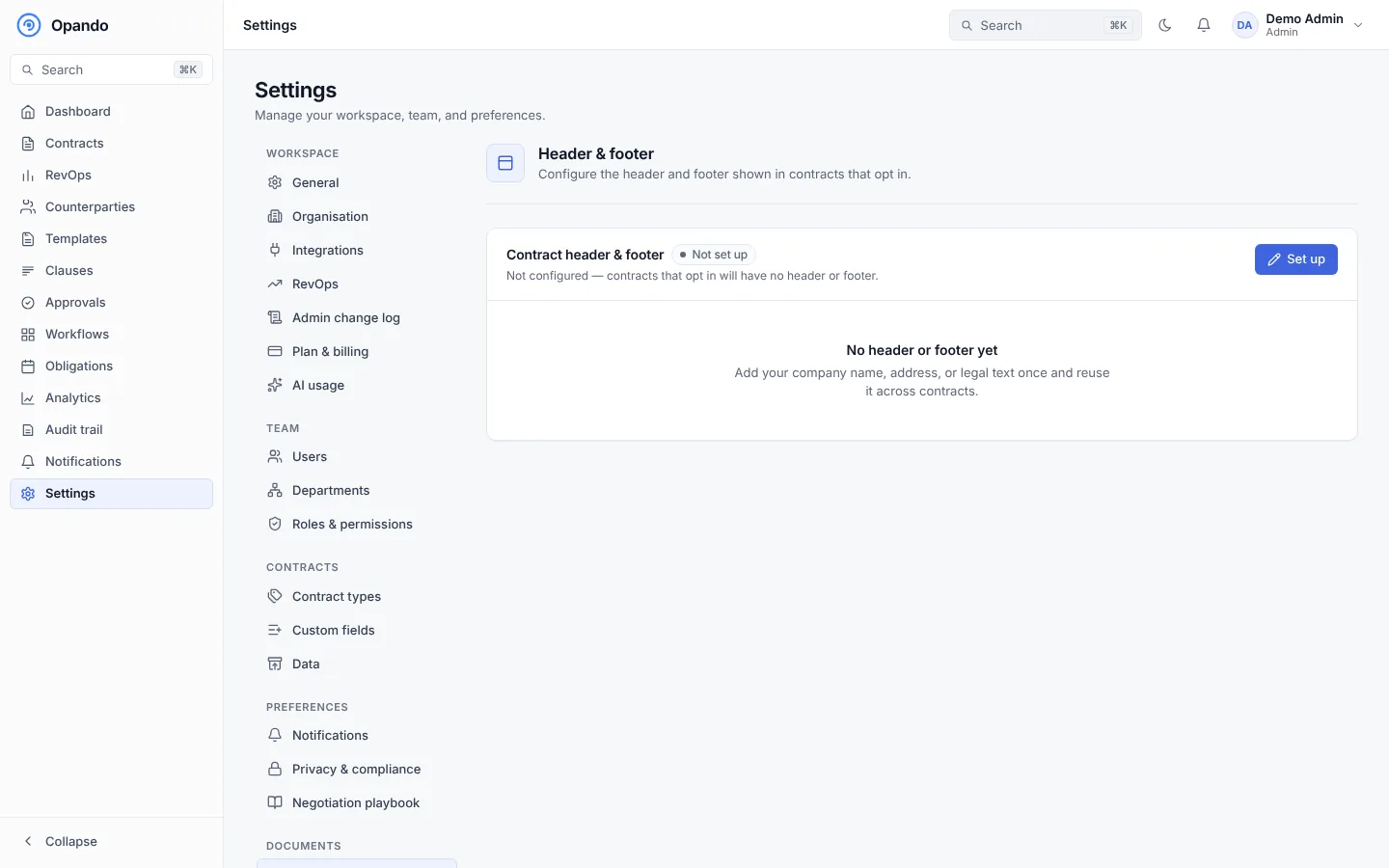
Select Edit header & footer and:
- Write the header (company name, address…) and footer (legal disclaimers, contact info…). Align left, centre or right, and insert links.
- Insert field… to add values that fill in on every document:
{{page}},{{pages}},{{current-date}},{{contract-title}},{{counterparty-name}}. Page numbers are added automatically unless you place{{page}}yourself. - Show workspace logo: use the logo from Branding, and set its position and height.
Email branding
Settings → Branding puts your logo and a banner on the emails Opando sends.
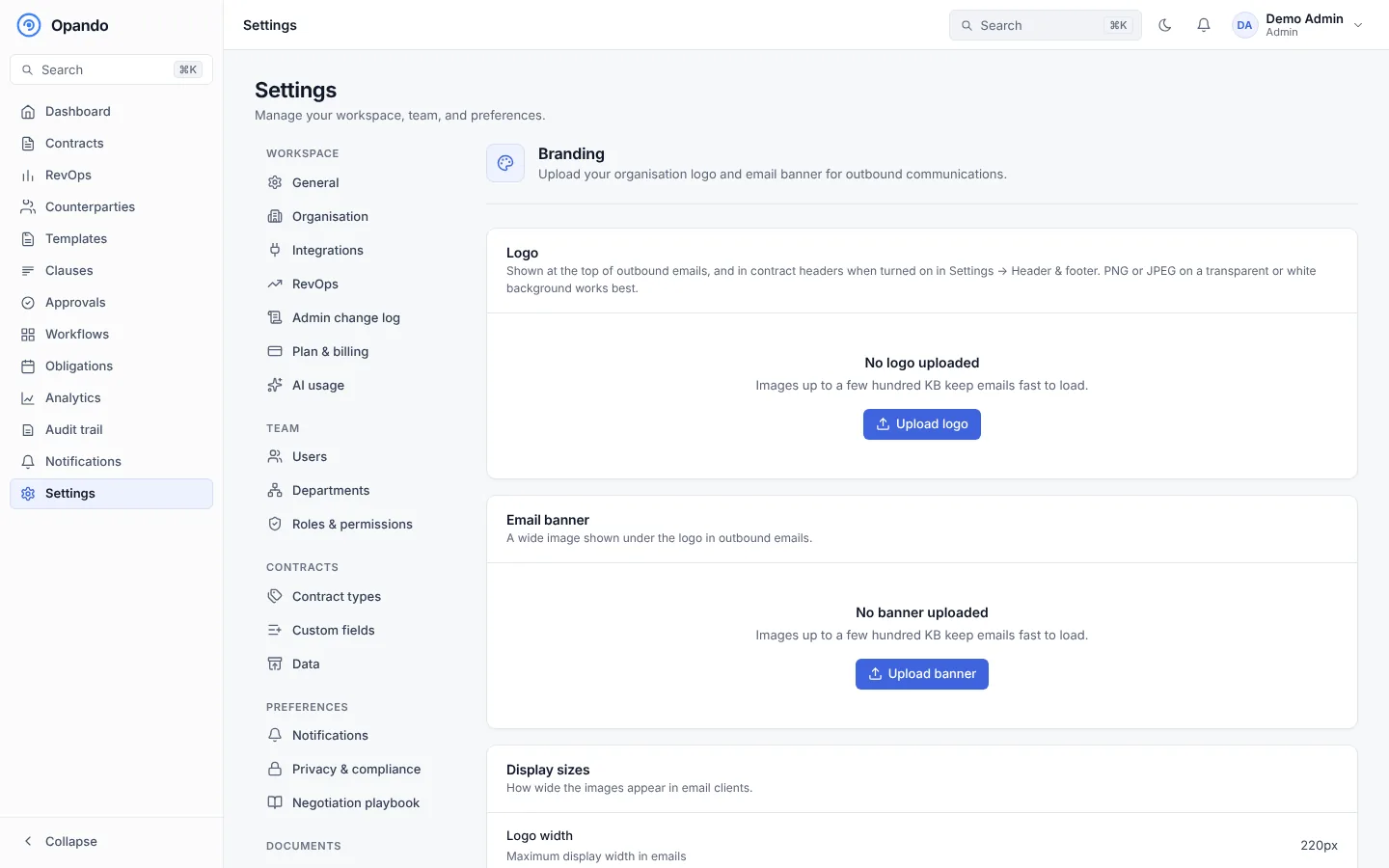
- Logo: upload an image. Small files (a few hundred KB) keep emails fast to load.
- Email banner: an optional wide image at the top of emails.
- Display sizes: how wide the logo and banner appear in email clients.
Plan and permission
Email branding is part of the Enterprise plan. Admins, and roles with Branding: manage, can change it.
To change the words in emails, use Email templates.