Custom fields
Custom fields are extra details your team records on contracts, such as a cost centre, PO number, region or business owner. You choose which contract types each field applies to and when it is required.
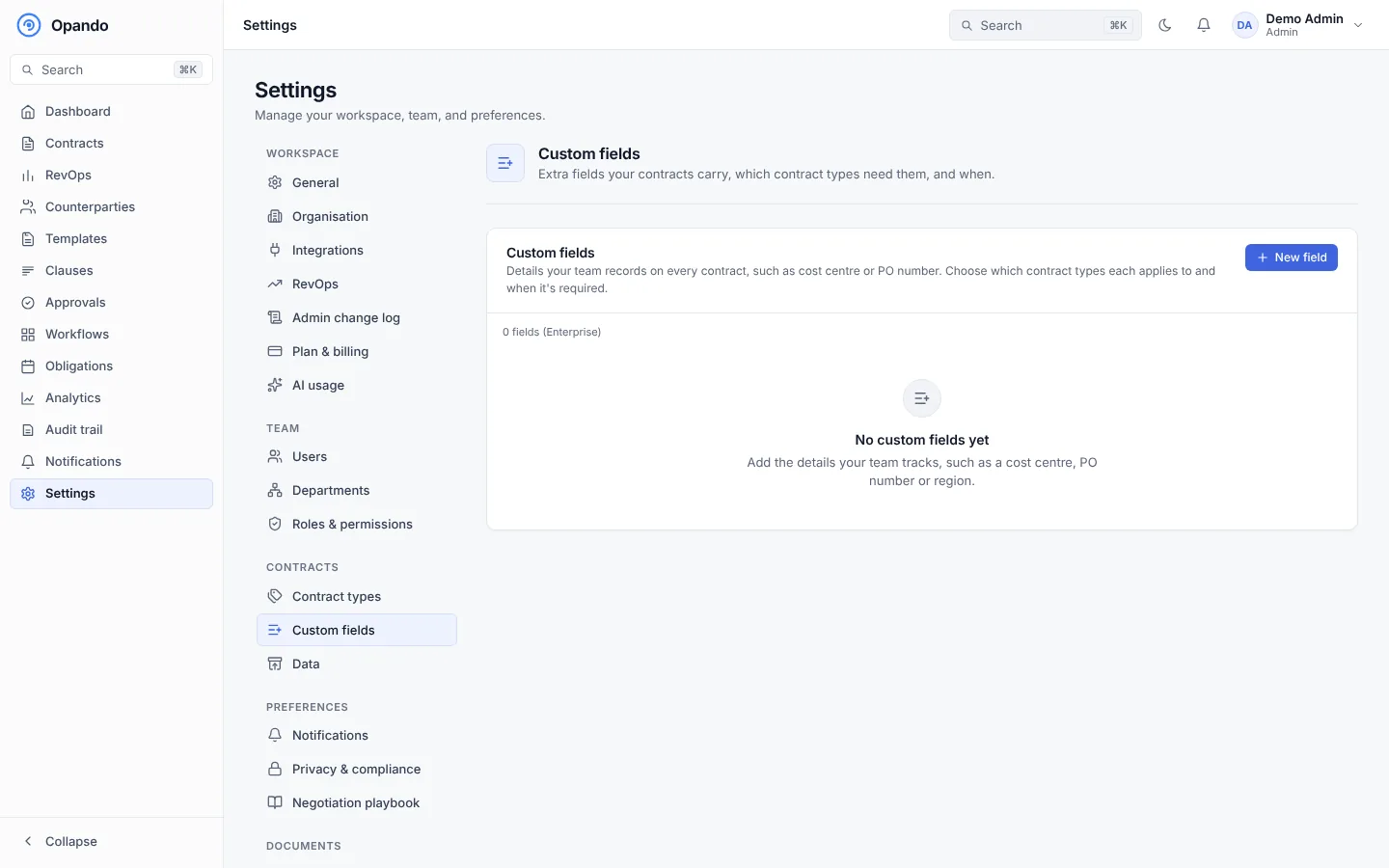
Add a field
Select New field and set:
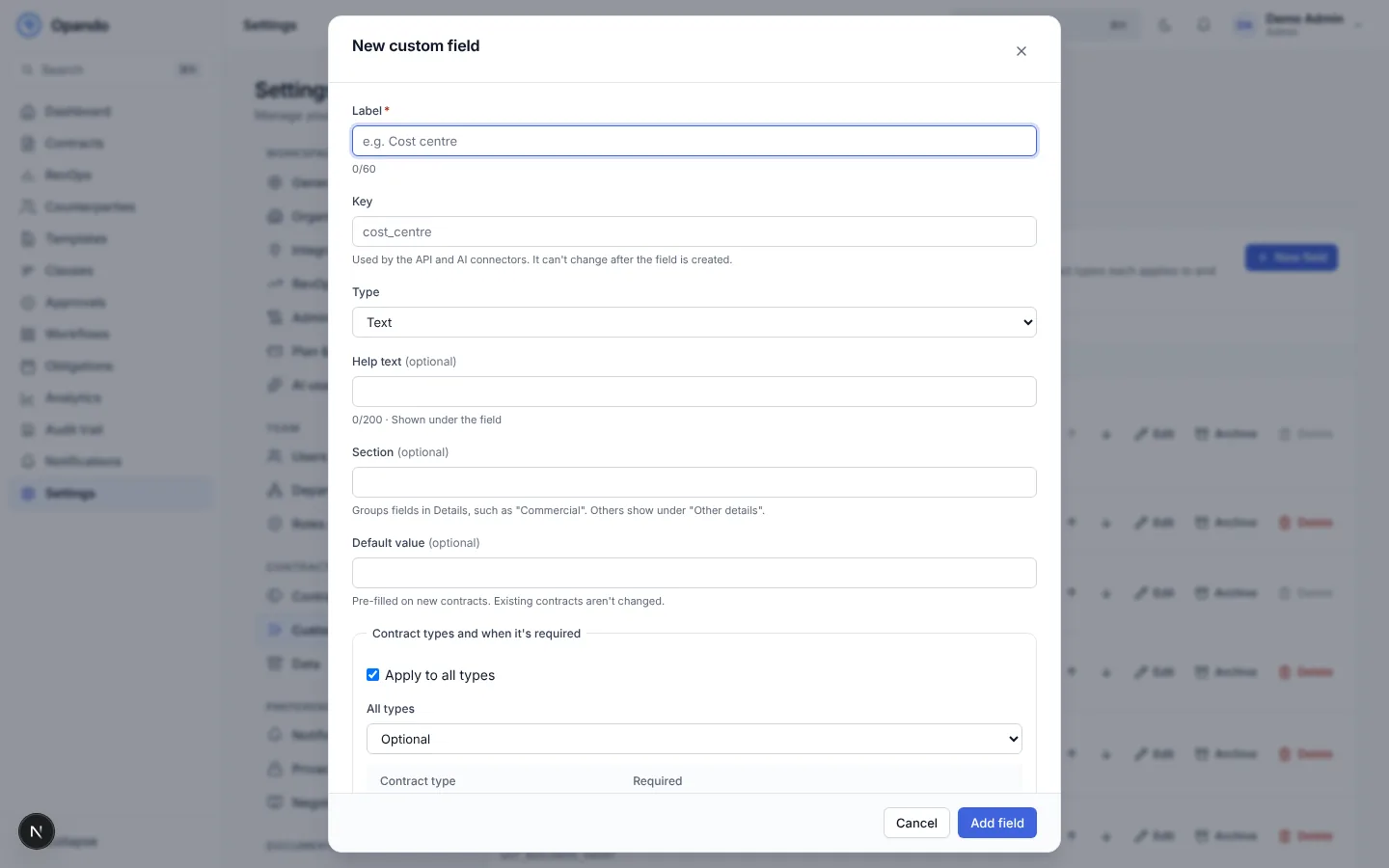
| Setting | Notes |
|---|---|
| Label | Up to 60 characters, for example Cost centre. |
| Key | Used by the API and AI connectors. Set from the label; it can't change later. |
| Type | Text, Long text, Number, Currency amount, Date, Picklist, Picklist (multiple), User or Yes/no. Short text is stored so it can be filtered and sorted; long text is encrypted and found through search. |
| Options | For picklists, add values one by one or Paste a list (one per line; duplicates and blank lines are skipped). For a multiple picklist, set At most how many can be chosen. |
| Number settings | Decimal places and a unit (%, days, seats). Currency amounts have their own currency. |
| Help text | Shown under the field. |
| Group | Groups fields in the contract's Details, such as Finance or Ownership. |
| Default value | Pre-filled on new contracts. Existing contracts aren't changed. |
| Contract types and when it's required | Apply to all types, or choose per type: Not shown, Optional, required When created, Before approval or Before signature. |
| Locked after approval | The value can't change once the contract is approved. |
| Visible to counterparty | Shown on the signing page. |
| Include in search | Matches the field's value in contract search. |
| AI hint | Lets AI suggest a value from the contract text. |
Where fields appear
- On the New contract form, under Additional details, and on the Upload a signed contract form.
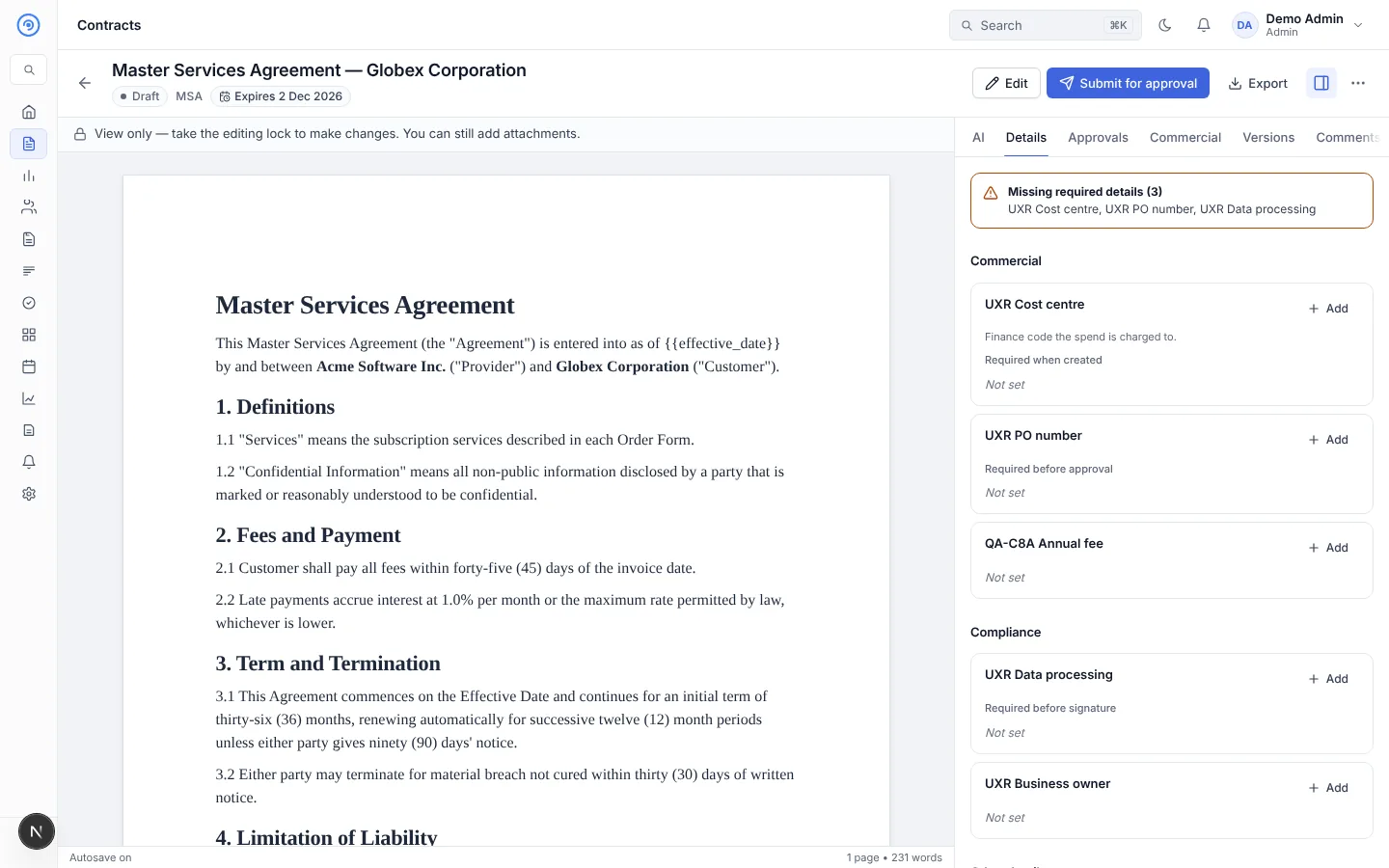
- In the contract's Details tab, where people fill them in later. Missing required fields are highlighted and block the stage they are required for.
Archive or delete
- Archive a field to stop using it. Its values are kept and shown read-only under Archived fields on each contract. It's no longer required, and you can restore it later.
- Delete a field only when no contract has a value for it. This can't be undone. A field with values can only be archived.
Changes that make a field required on contracts already in progress ask you to confirm first.