Approvals inbox
The Approvals page lists the contracts waiting for your decision.
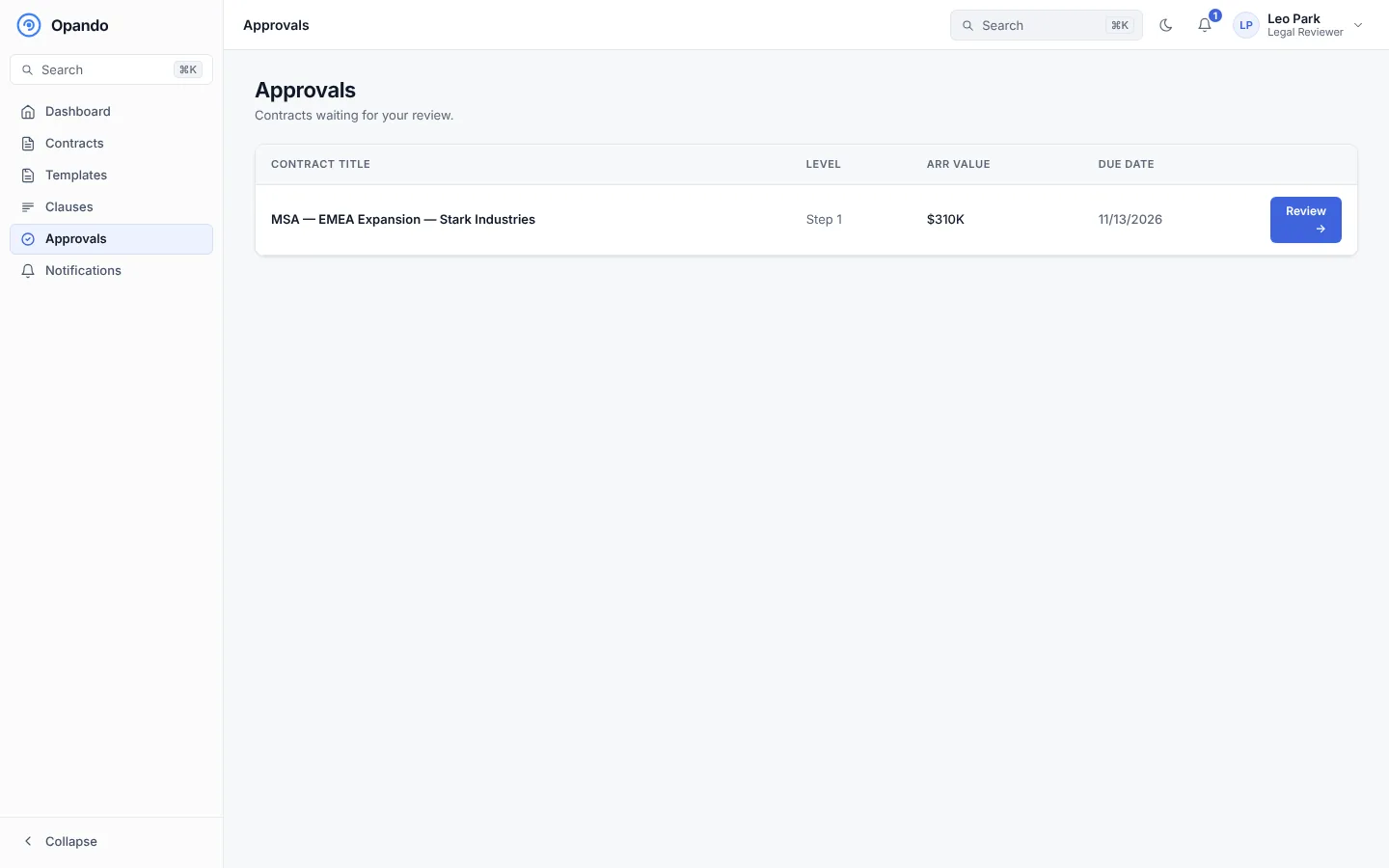
Each row shows the contract, the approval level you are on, its ARR value and the due date from the step's SLA. Select Review → to open the approval.
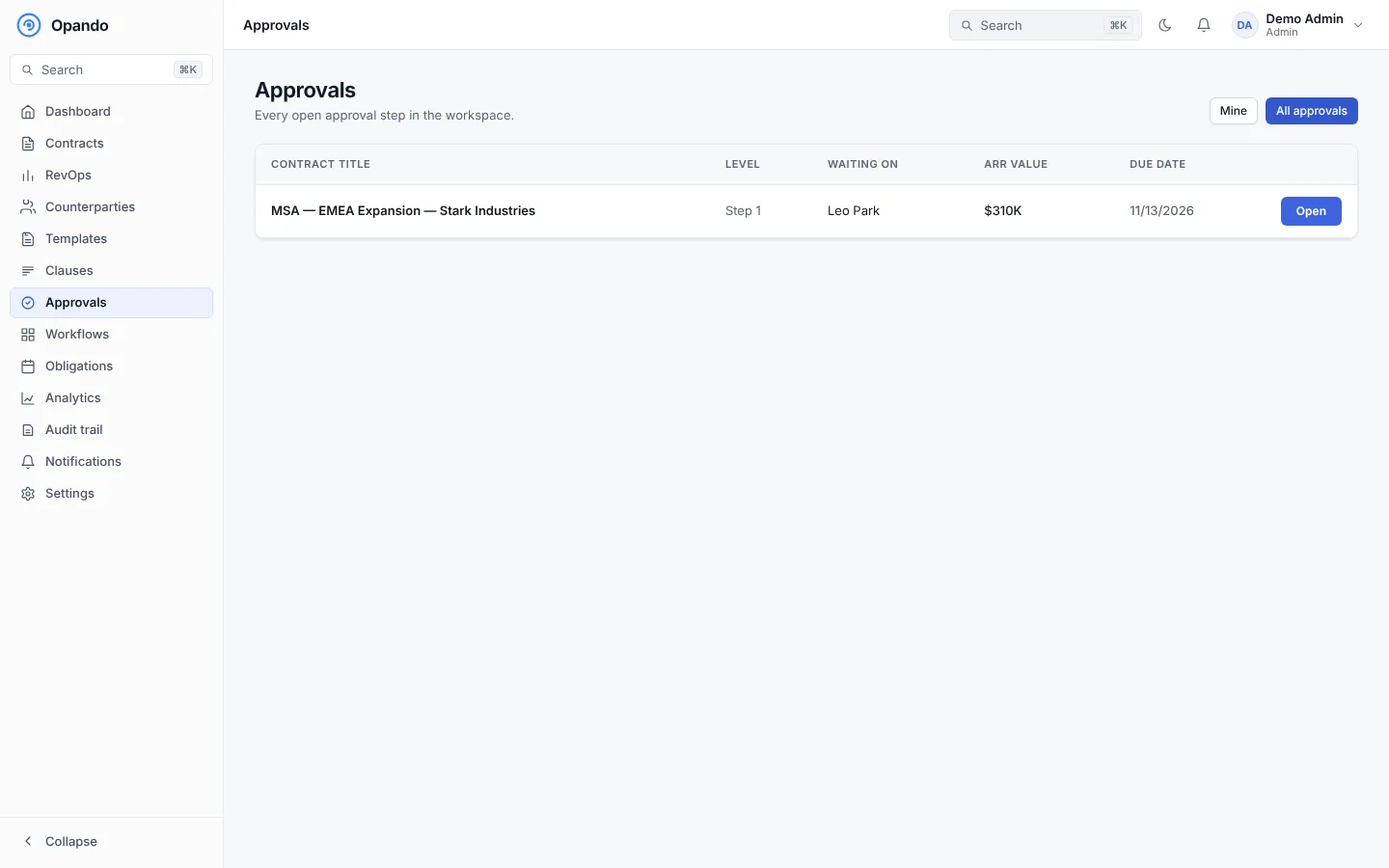
Admins and people who can see all approvals can switch between Mine and All approvals to see every open step in the workspace, with who it is waiting on.
Review an approval
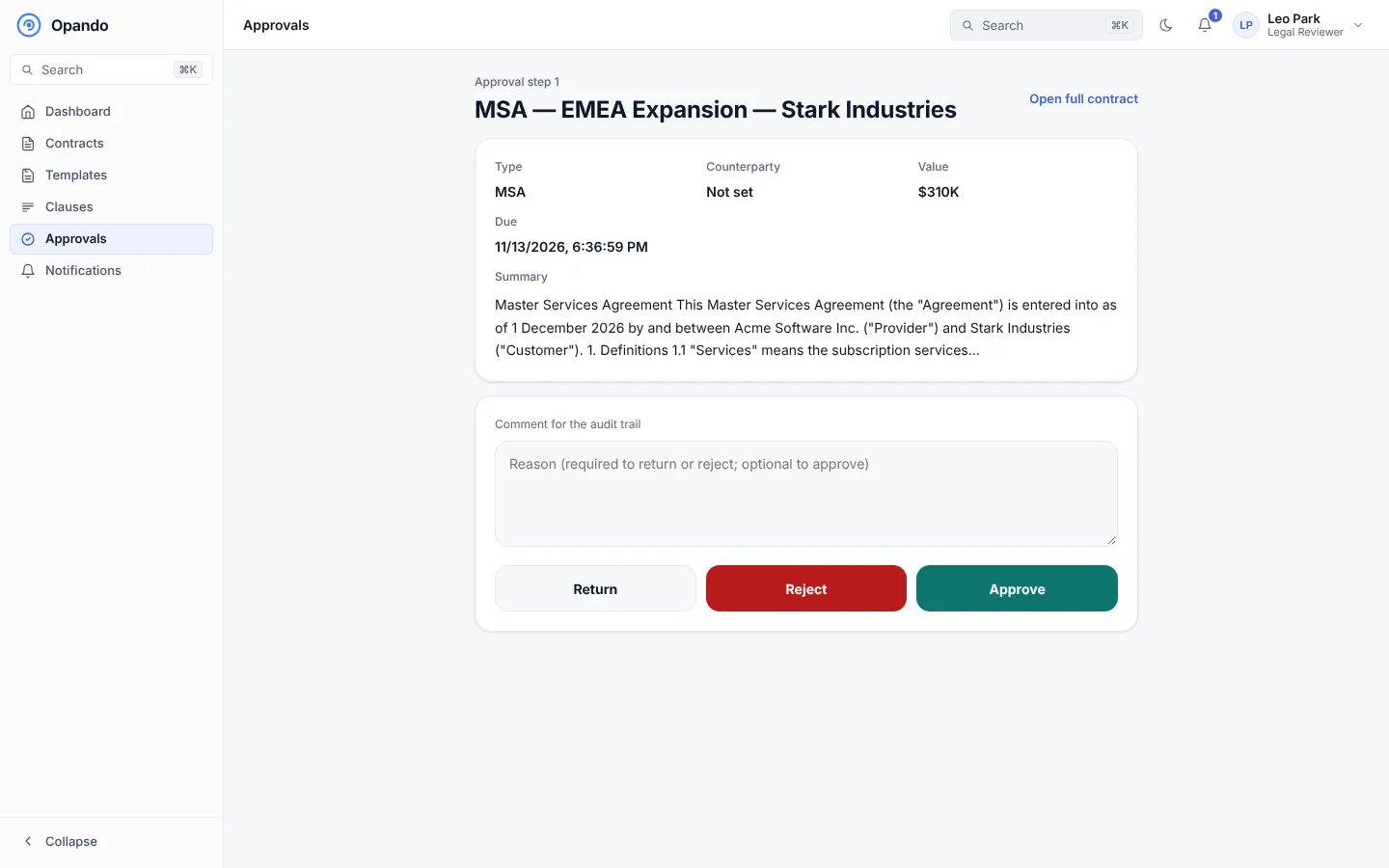
The approval page shows the contract's type, counterparty, value, due date and a summary. Select Open full contract to read the whole document, its comments and its history.
Add a comment for the audit trail, then choose:
- Approve: moves it to the next level. A comment is optional.
- Return: sends it back one step for changes. A reason is required.
- Reject: ends the request. A reason is required. Legal can re-open it, or the owner can clone it as a new contract.
You can also approve from the contract page itself, where you can Delegate the step to a colleague. See Approvals on a contract.
Notifications
You get an email and an in-app notification when a contract reaches you, and reminders as the due date approaches. On a phone you can turn on push notifications for approval requests in Settings → RevOps.